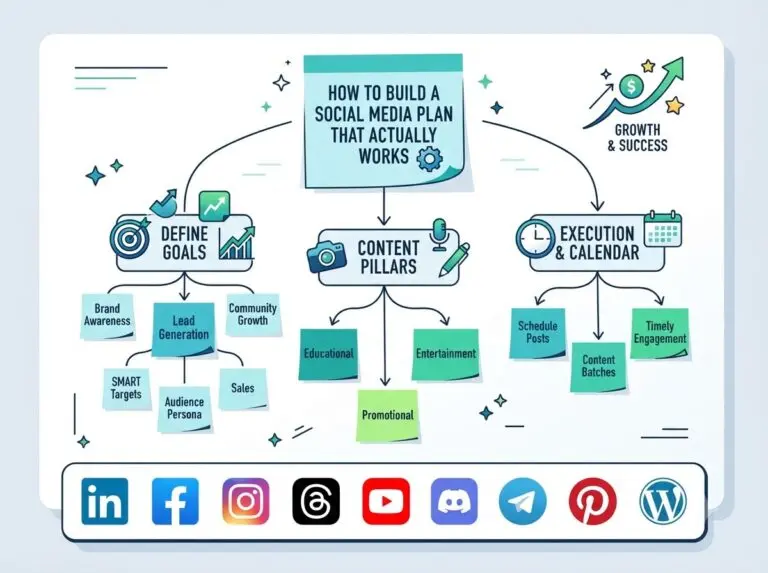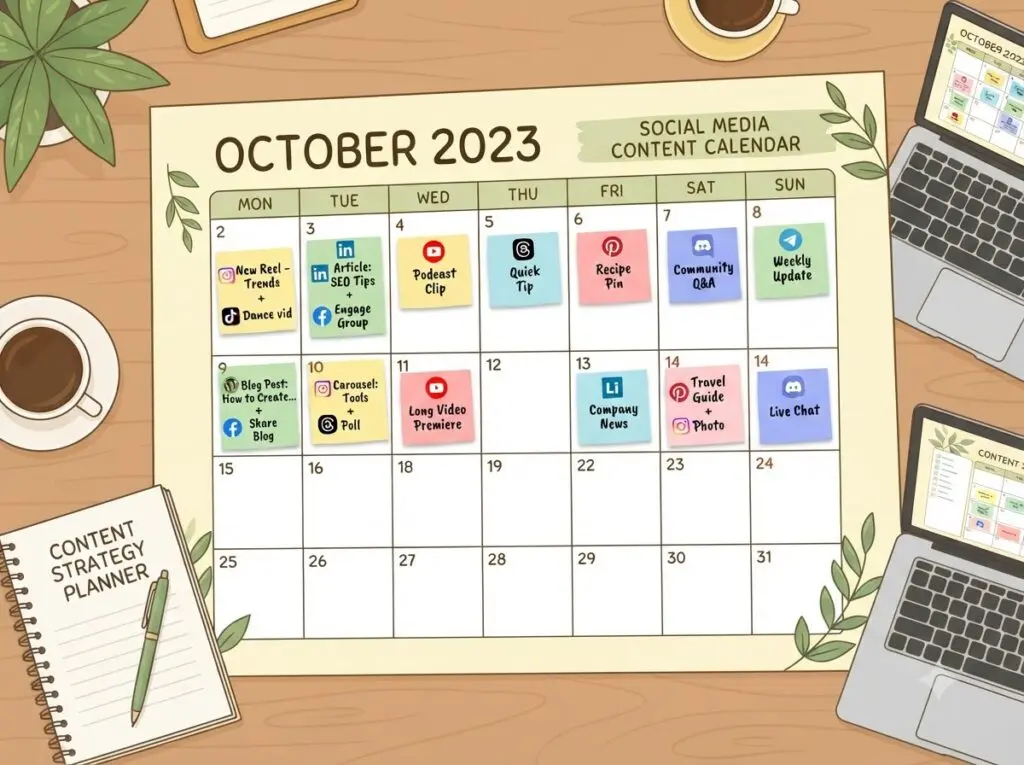
Posting without a plan is the fastest way to burn out and go quiet for weeks. A social media content calendar fixes that by giving you a visual map of what’s going out, where, and when.
Why a content calendar matters more than a content idea list
An idea list tells you what to post. A calendar tells you when and where — which is the part that actually keeps you consistent. Without dates attached, ideas sit unused.
Step 1: Choose your cadence per platform
A realistic starting cadence: Instagram/Facebook 3–4x per week, LinkedIn 2–3x per week, Threads/TikTok daily or near-daily, Pinterest 5x+ per week (pins have longer shelf life).
Step 2: Map content types to days
Rotate formats — educational, behind-the-scenes, promotional, user-generated — instead of repeating the same type daily. This keeps the calendar from feeling repetitive to your audience.
Step 3: Use a template instead of starting blank
Ready-made templates can save you this step: a social media calendar template, a broader social media planning template, and the full templates directory for more formats.
Step 4: Load the calendar into your scheduler
A calendar on paper or in a spreadsheet still requires manual posting. Once planned, load it into a content queue and set recurring time slots so consistency doesn’t depend on remembering to post.
Step 5: Review and adjust monthly
Check your performance insights at the end of each month. Drop formats that consistently underperform and double down on what’s working, rather than keeping the calendar static forever. Browse more planning guides for further ideas.
A social media content calendar only works if it’s connected to an actual publishing workflow — planning without automation just moves the manual work earlier in the process.