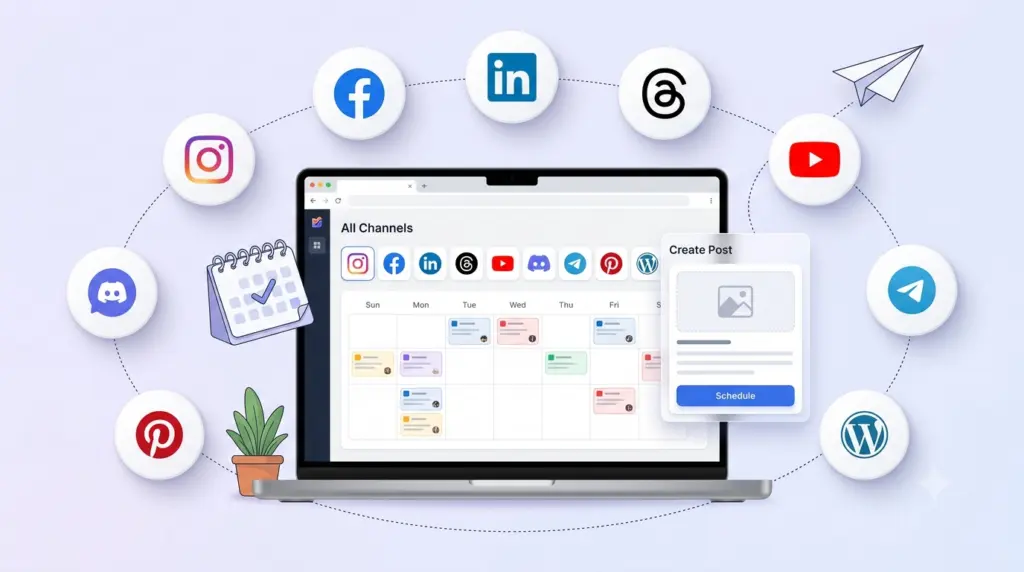
Draft once in TheAutoReach, then send the same update to LinkedIn, Facebook, Instagram, Threads, YouTube, Discord, Telegram, Pinterest, and WordPress — without opening nine apps.
Move from blank page to scheduled post in minutes.
Compose
Stop rewriting the same update four times
Most teams waste time hopping between native apps. Compose keeps copy and media in one place so you can focus on what you’re saying, not where you’re logging in.
Channels
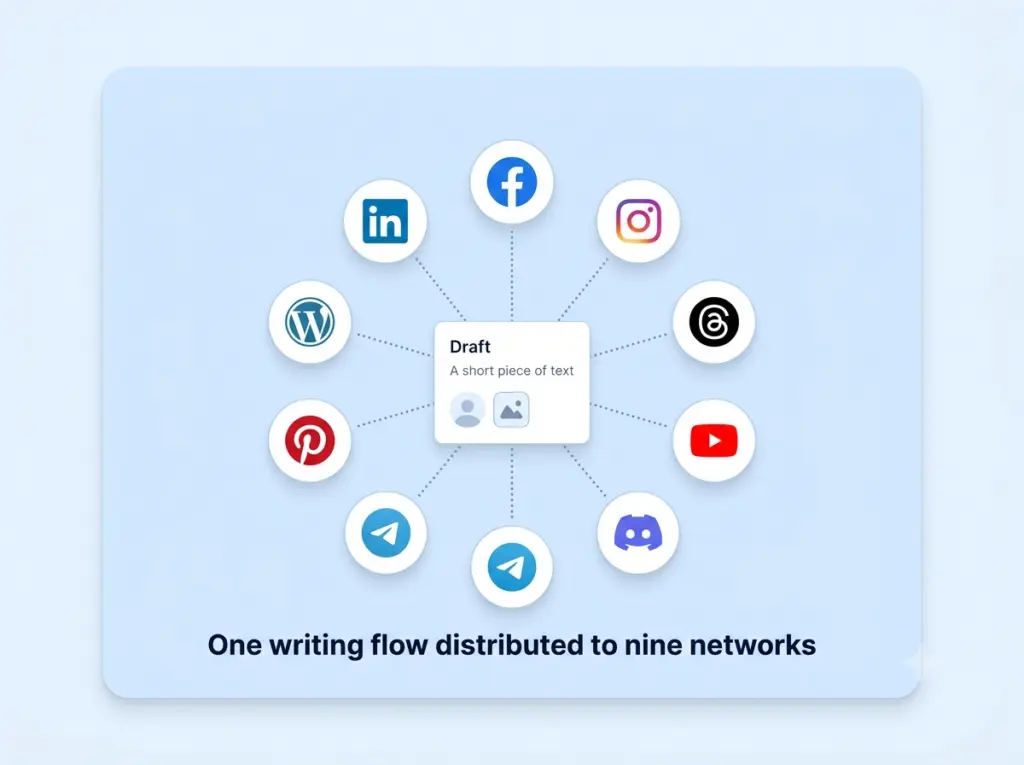
Nine networks, one writing flow
LinkedIn, Facebook, Instagram, Threads, YouTube, Discord, Telegram, Pinterest, and WordPress share the same composer and queue. Start from one draft, tweak if needed, then schedule.
Quality
Stay clear without extra tools
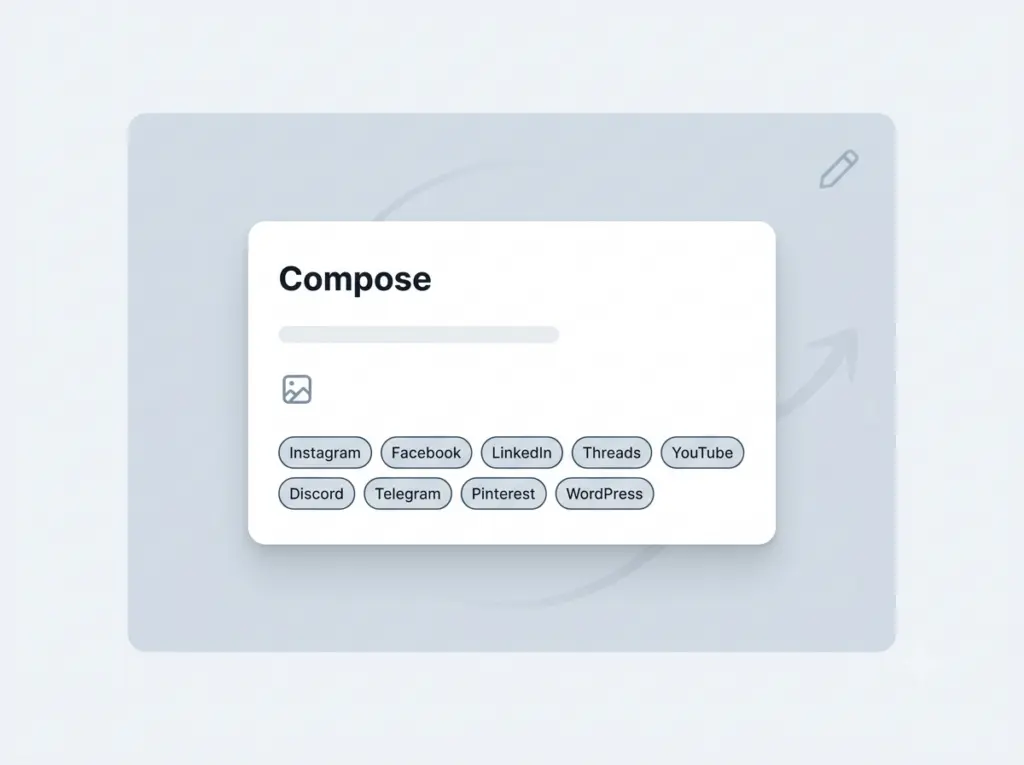
A simple composer means fewer distractions. Write, attach media, pick channels, and move on.
How it works
1
Open Compose
Start a new post in your workspace.
2
Add your content
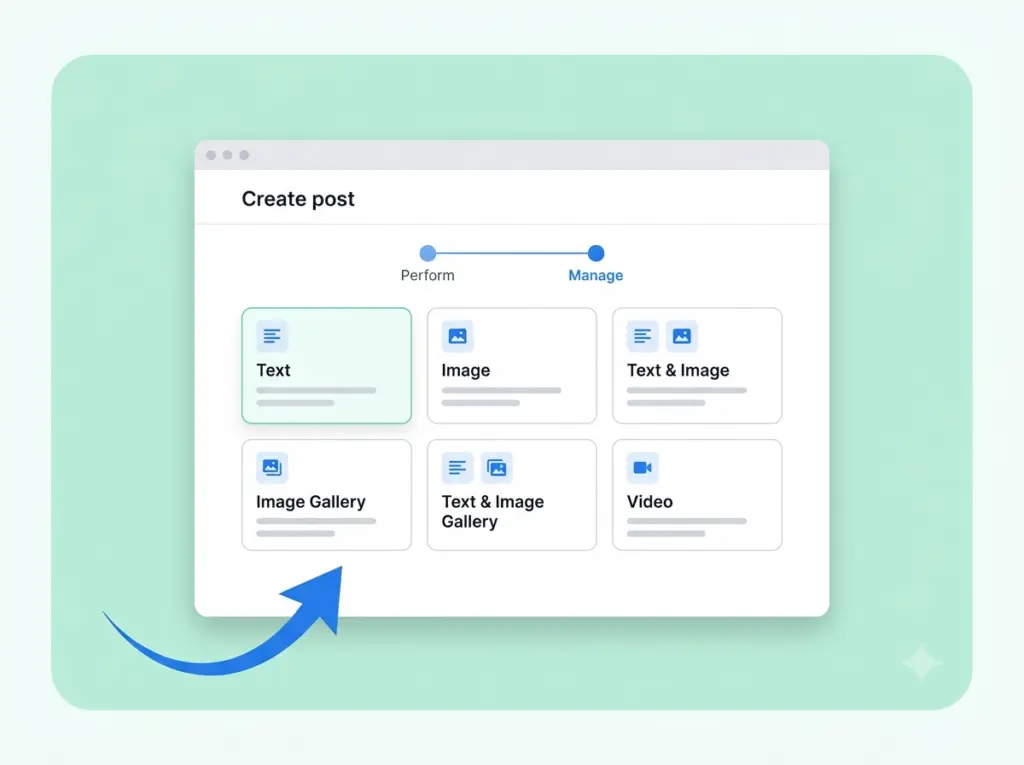
Write the update and attach media if you need it.
3
Choose channels
Select platforms and set a publish time.
“We finally stopped rewriting the same post four times.”
Great posts rarely look the same on every network. A thread that lands on X reads awkwardly on LinkedIn, and a caption built for Instagram needs different hashtags, length, and tone. Compose lets you start from a single idea and instantly tailor it to each destination — without copying, pasting, and reformatting in five separate tabs.
Write once in a clean, distraction-free editor, then fine-tune per-network variants side by side. Character counters, link previews, and platform limits are all built in, so you always know exactly how a post will appear before it goes live. What used to take an afternoon now takes a few minutes.
Because every variant lives in one place, your message stays consistent while still feeling native to each audience. That means fewer mistakes, faster approvals, and a voice that carries across every channel you publish to.
Made for real workflows
Built for the way you actually create
Draft faster with reusable building blocks
Save your best hooks, CTAs, and hashtag groups as snippets you can drop into any post. Keep a library of on-brand phrases so anyone on your team can write in your voice from day one.
See it before you ship it
Live previews mirror each network pixel-for-pixel — emoji, line breaks, truncated links, and all. No more guessing how a caption will wrap or whether your first line hooks the reader on mobile.
Stay organized as you scale
Tag drafts by campaign, client, or theme and pick up right where you left off. Compose keeps your ideas moving from rough note to scheduled post without ever losing the thread.
Yes. Write the post once, then select LinkedIn, Facebook, Instagram, Threads, YouTube, Discord, Telegram, Pinterest and/or WordPress before you schedule — no copy-pasting between apps.
Definitely. Start from a single draft and fine-tune the wording, hashtags, and length for each platform, with live previews and character counts built in.
Yes. The Free plan costs $0 with no credit card and no trial timer. It includes up to 25 social channels (5 workspaces × 5 accounts), 4 published posts per channel per week, and 3 team members per workspace, with auto-publishing to LinkedIn, Facebook, Instagram, Threads, YouTube, Discord, Telegram, Pinterest, and WordPress. Paid Starter and Business plans add more channels and posting volume — see the pricing page for current limits.
No. You can create a workspace, connect your channels, and start scheduling posts without entering any payment details. There’s no trial timer counting down in the background.
LinkedIn, Facebook, Instagram, Threads, YouTube, Discord, Telegram, Pinterest, and WordPress — all from a single workspace and one shared schedule, so you never have to log in and out of separate apps.
Absolutely. Connections use secure, revocable access, so you can disconnect any channel or close your workspace whenever you like. You’re always in control of your accounts and data.
Write once, publish everywhere
Draft a single update and tailor it for every network in minutes.