TheAutoReach

New: YouTube Shorts, Discord, Telegram, Pinterest & WordPress — schedule more channels Get started free →

Features · Queue

Manage every post waiting to go live

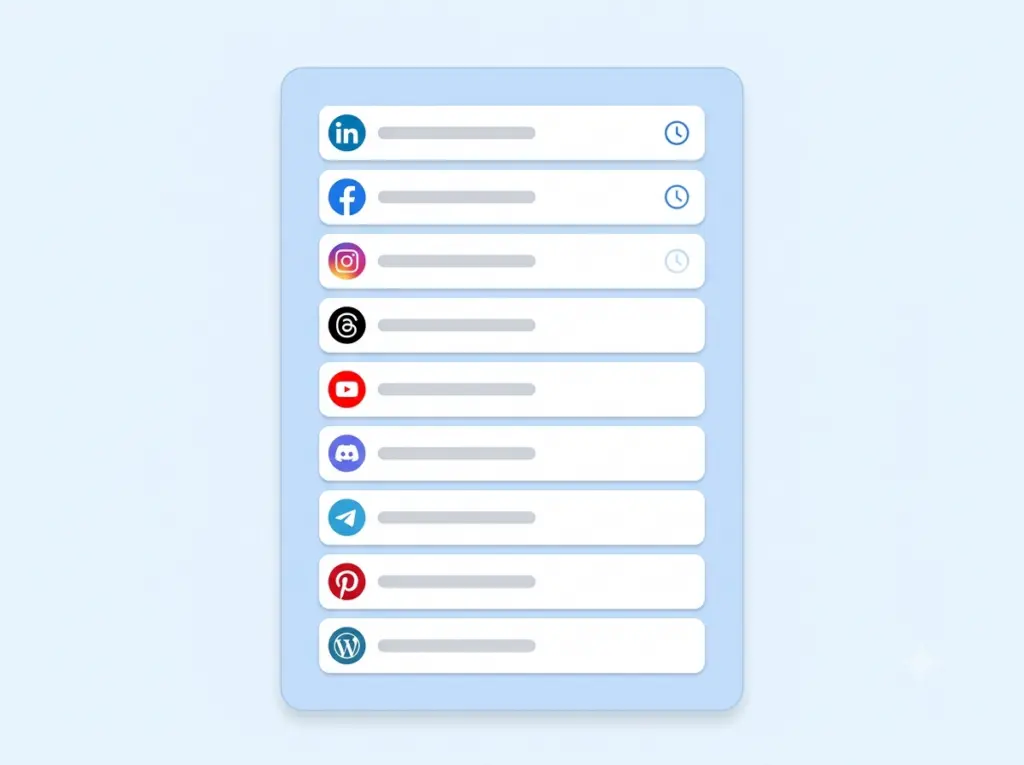
Your upcoming LinkedIn, Facebook, Instagram, Threads, YouTube, Discord, Telegram, Pinterest, and WordPress posts live in one queue — easy to review, edit, or pull before publish time.

feature_queue

Queue

Part of a focused publishing workflow — not a bloated suite.

Nine channels

LinkedIn, Facebook, Instagram, Threads, YouTube, Discord, Telegram, Pinterest, and WordPress.

Time back

Less repetitive posting work each week.

Clear status

Know what queued and what already published.

feature_queue

One backlog

No more spreadsheet calendars

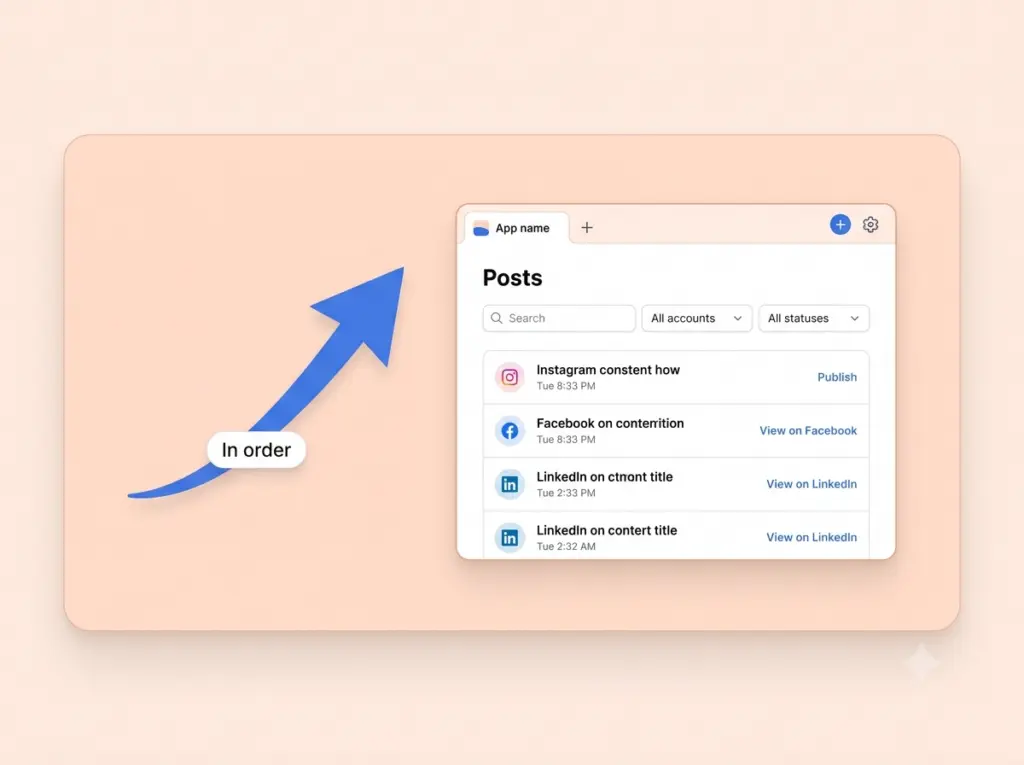
See scheduled work in the order it will publish, across the channels you connected.

Quick edits

Fix copy before it goes out

Change timing or content while the post is still queued.

feature_queue
feature_queue

Fewer surprises

Know what’s next on each channel

A tidy queue makes weekly planning faster for solo marketers and teams.

How it works

1

Connect

Link the channels you publish to.

2

Set up Queue

Use this feature inside your workspace.

3

Publish

Keep your channels moving on schedule.

“Clear queue status means fewer missed posts.”

Social manager · Agency

Keep exploring

Publish

Schedule and auto-post.

Compose

Write once for every channel.

Integrations

See supported channels.

Why the Queue

See everything you've planned, at a glance

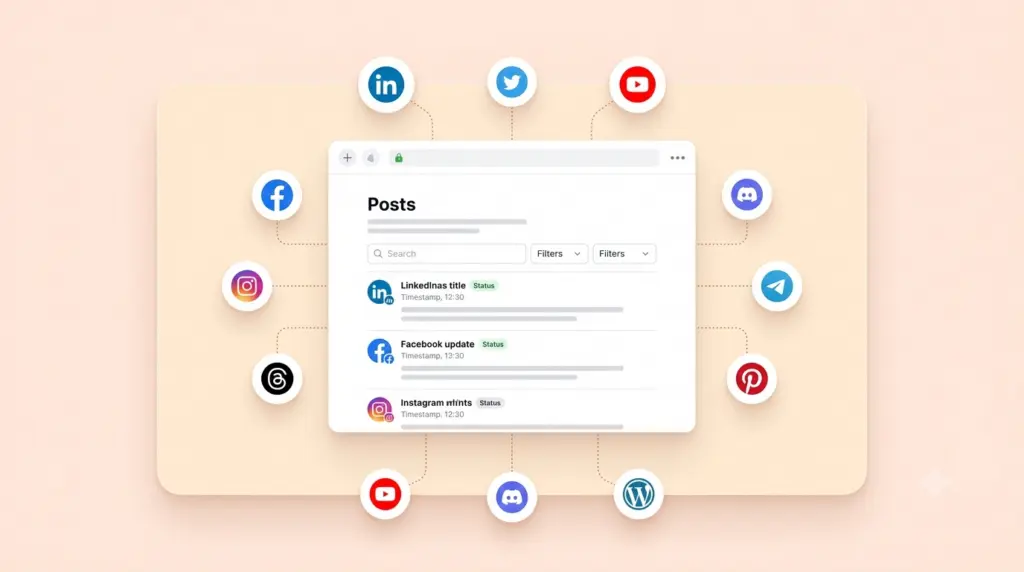
A good social strategy falls apart when you can't see it. The Queue gives you a single, visual view of every post lined up across all your channels — what's going out today, what's scheduled next week, and where the gaps are before they become a problem.

Drag a post to a new day, swap the order of your lineup, or slot in a timely update without touching anything else. Because the whole plan lives in one timeline, spotting an empty Thursday or an overloaded Monday takes seconds, not a spreadsheet.

Think of it as mission control for your content: always up to date, always in order, and always ready to show you exactly what your audience will see and when.

Plan with clarity

A calendar that keeps you ahead

Visual by default

See your upcoming posts laid out across days and channels so your whole plan is obvious the moment you open it.

Rearrange in a drag

Move posts to a better time or reorder your lineup without deleting and rebuilding. Adjusting the plan is as easy as thinking it through.

Never run empty

Spot gaps early and fill them before they show. A full, balanced queue means a feed that never goes quiet.

FAQ

A single visual view of every post lined up across all your channels — what’s going out today, this week, and further ahead.
Yes. Drag a post to a new time or reorder your lineup without deleting and rebuilding anything.
The queue makes empty slots obvious at a glance, so you can fill them before your feed goes quiet.
Yes. The Free plan costs $0 with no credit card and no trial timer. It includes up to 25 social channels (5 workspaces × 5 accounts), 4 published posts per channel per week, and 3 team members per workspace, with auto-publishing to LinkedIn, Facebook, Instagram, Threads, YouTube, Discord, Telegram, Pinterest, and WordPress. Paid Starter and Business plans add more channels and posting volume — see the pricing page for current limits.
No. You can create a workspace, connect your channels, and start scheduling posts without entering any payment details. There’s no trial timer counting down in the background.
LinkedIn, Facebook, Instagram, Threads, YouTube, Discord, Telegram, Pinterest, and WordPress — all from a single workspace and one shared schedule, so you never have to log in and out of separate apps.
Absolutely. Connections use secure, revocable access, so you can disconnect any channel or close your workspace whenever you like. You’re always in control of your accounts and data.

See everything you've planned at a glance

Fill your calendar and keep your feed active, effortlessly.

✓ Free to start     ✓ No credit card     ✓ Cancel anytime