
Features · MCP
MCP for social media publishing
Connect Cursor, Claude, and other AI agents to TheAutoReach via MCP so they can draft, queue, and auto-publish across LinkedIn, Instagram, YouTube, and more.
Agent drafts
Ask your AI agent to write captions in your voice.
MCP tools
Agents call TheAutoReach tools to queue and schedule.
One queue
Confirm times and channels before anything goes live.
Revocable access
Scoped MCP credentials you can revoke anytime.
Agents
Let your AI agent write into a real schedule
Stop copy-pasting from chat into five apps. Draft with your agent, then let TheAutoReach handle queue, timing, and auto-publish.
Queue
Works with the agents you already use
Add TheAutoReach MCP to Cursor or Claude, then ask for a week of posts — review everything in one publishing queue.
Trust
Automation you can still approve
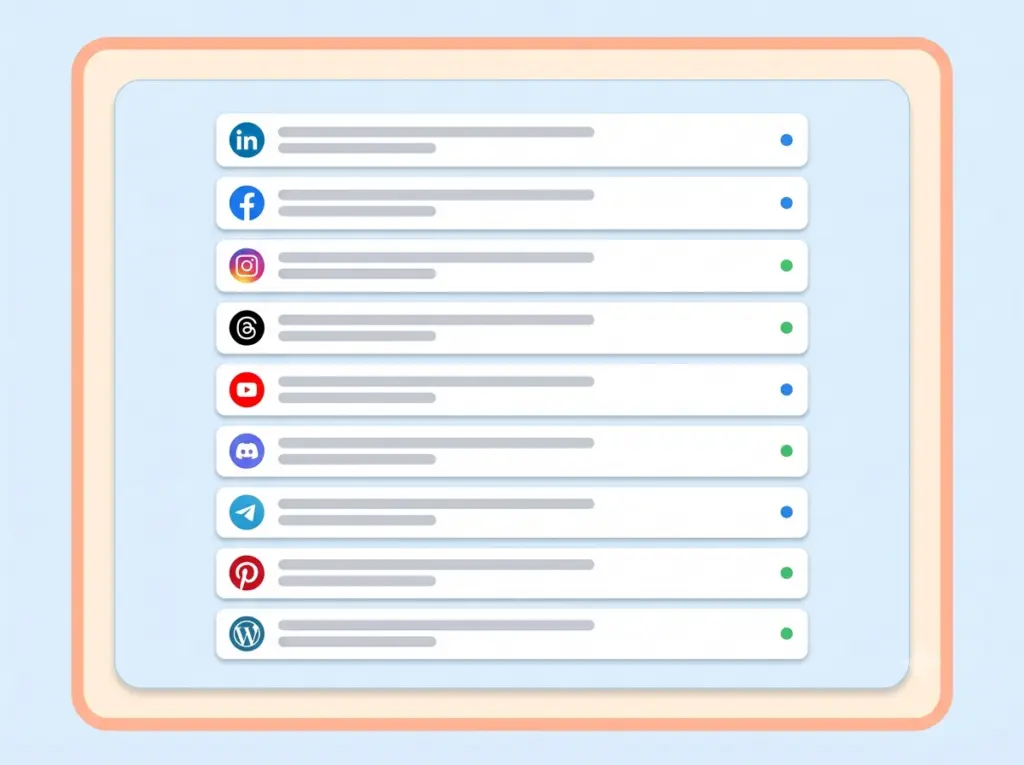
Agents propose drafts and times. Your workspace shows what is queued, live, or next — nothing silent.
How it works
Enable MCP
Copy your MCP server URL and token from TheAutoReach settings.
Connect your agent
Paste credentials into Cursor, Claude, or another MCP client.
Draft & schedule
Ask the agent to write and queue — then confirm in TheAutoReach.
“Our agent drafts LinkedIn and Instagram — TheAutoReach MCP puts them on the calendar.”
Founder · AI-assisted publishing
Keep exploring
Why MCP
Connect once, then let agents help you publish
The hardest part of social media isn't writing the post — it's remembering to publish it at the right moment, on the right network, every single time. Publish takes that mental load off your plate. Agents a post once and it goes out exactly when you planned, whether you're asleep, in a meeting, or on vacation.
Every scheduled post is timezone-aware, so an update meant for 9am lands at 9am for your audience, not for a server halfway around the world. If a network hiccups, TheAutoReach automatically retries the delivery and flags anything that needs your attention, so nothing quietly slips through the cracks.
The result is a calendar you can actually rely on. Batch a week of content on Monday, then let it publish itself — consistent presence, zero last-minute scrambling.
Built for agent workflows
MCP that just works
Draft without leaving your agent
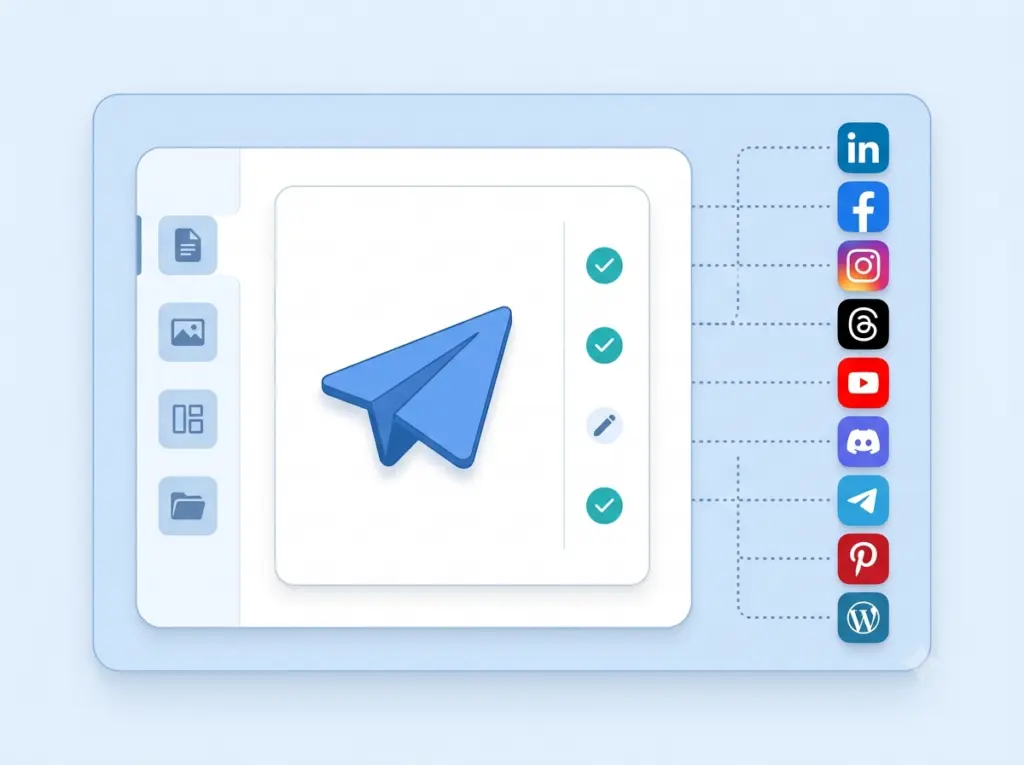
Generate captions in Cursor or Claude, then send them into TheAutoReach with channels and times in one step.
Schedule with confidence
If a platform is temporarily unavailable, we retry behind the scenes and notify you only when something genuinely needs a human. No silent failures, no surprises.
Nine networks, one agent workflow
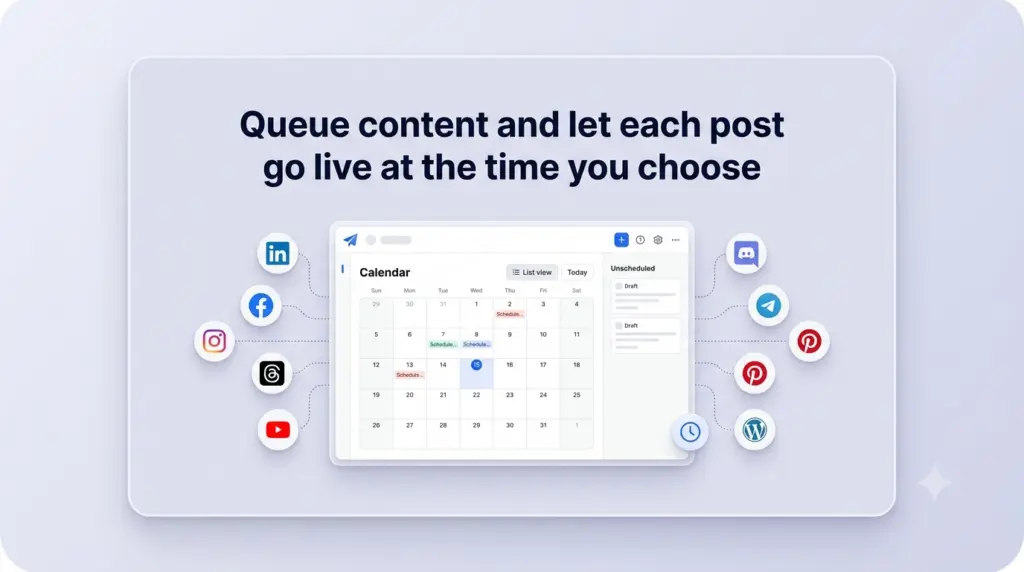
See LinkedIn, Facebook, Instagram, Threads, YouTube, Discord, Telegram, Pinterest, and WordPress side by side on a single schedule. Reschedule with a click and keep your whole plan in view.
FAQ
What MCP means for social publishing
MCP (Model Context Protocol) is how modern AI agents call tools. With TheAutoReach MCP, your agent is not stuck in a chat window — it can draft posts, drop them into your queue, and schedule auto-publish across the channels you already connected.
If you want the broader story of AI-assisted publishing, see our AI social media agent overview.
What the agent can do
- Draft captions and post copy for LinkedIn, Instagram, YouTube, and more
- Queue content with publish times you approve
- Schedule once so posts go live on multiple networks
- Help you check what is queued, live, or coming next
Who MCP is for
Founders and marketers who already work in Cursor or Claude. Agencies that want agents to prepare client drafts. Teams that hate copy-paste between an AI chat and a scheduler.
How to connect TheAutoReach MCP
- Create a free workspace at platform.theautoreach.com.
- Connect the social channels you publish to.
- Open MCP settings and copy your server URL and token.
- Add TheAutoReach as an MCP server in your AI agent.
- Ask the agent to draft a post and schedule it — then confirm in your queue.
Safety and control
You authorize channels with official platform OAuth. MCP credentials live in your workspace. Revoke agent access or disconnect a network anytime — you stay in control of what goes live.
Start with your AI agent
Connect MCP once, then let drafting and scheduling happen from the tools you already use.
Connect MCP, then let your agent help you publish
Wire your AI agent to TheAutoReach MCP and turn drafts into scheduled posts across nine channels.
✓ Free to start ✓ No credit card ✓ Cancel anytime