
What “free” should include in 2026
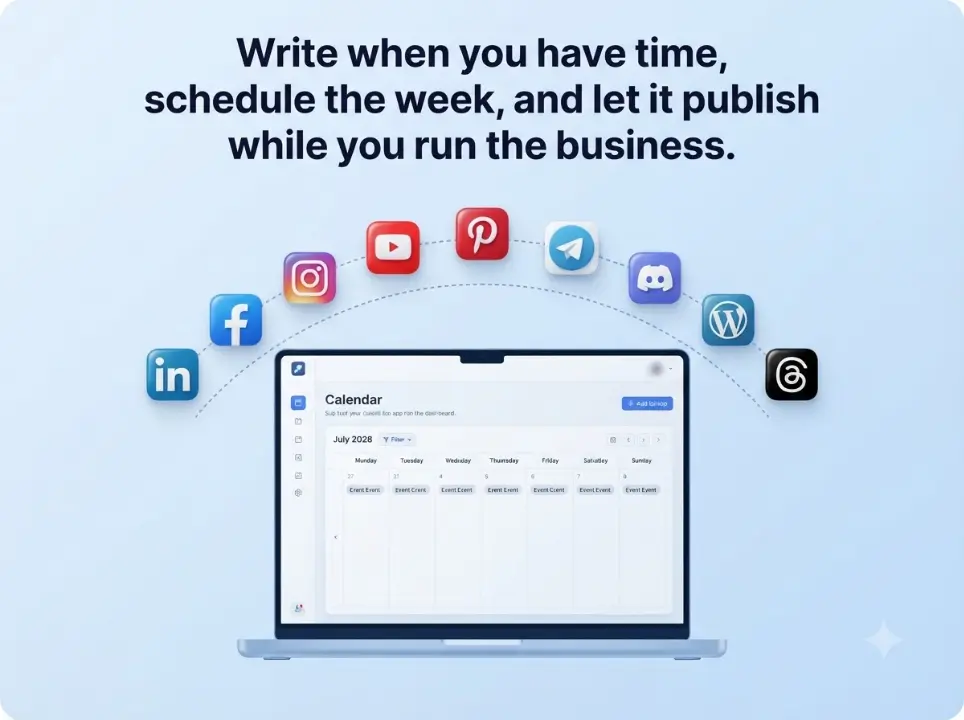
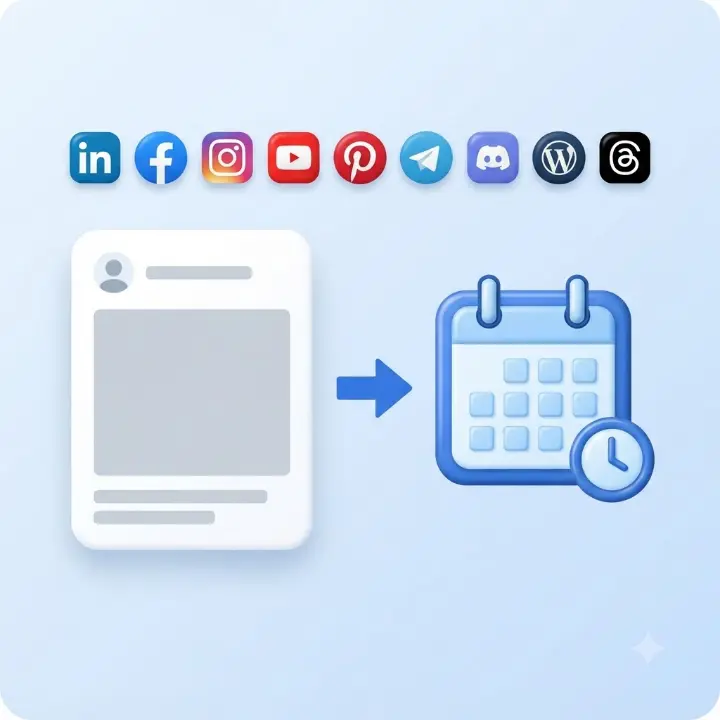
A useful free social media scheduler lets you connect real channels, compose posts, set future times, and auto-publish — without a trial clock or forced card. Pretty dashboards do not matter if publishing breaks or locks behind upgrade walls after a week.
This guide covers the best free social media schedulers for LinkedIn, Facebook, Instagram, Threads, YouTube, Discord, Telegram, Pinterest, and WordPress — with an honest look at limits, not just marketing pages.
Our shortlist criteria
- Can schedule to LinkedIn, Facebook, Instagram, Threads, and/or other networks you actually use
- Transparent free limits — no surprise paywalls after connect
- Official API connections you can revoke
- Auto-publish on the free tier (not planning-only)
- Clear enough UX for a solo marketer or small team
Best free social media schedulers compared
| # | Tool | Free channels | Auto-publish | Credit card | Best for |
|---|---|---|---|---|---|
| 1 | TheAutoReach | 9 networks | Yes — free core | Not required | Multi-channel teams wanting free compose → schedule → publish |
| 2 | Buffer | 3 channels, post caps | Yes (within limits) | Not required | Familiar brand; watch scaling costs |
| 3 | Later | Instagram-first, post caps | Yes (within limits) | Not required | Visual / Instagram-heavy workflows |
| 4 | Metricool | Varies by tier | Yes (within caps) | Not required | Marketers who want planning + analytics |
| 5 | Publer | Limited free tier | Yes (within limits) | Not required | Freemium with multiple network options |
| 6 | Native apps | One network each | Yes | Not required | Single-channel only; app-switching tax at scale |
1. TheAutoReach — best free scheduler for nine core networks
Best for: teams that live on LinkedIn, Facebook, Instagram, Threads, YouTube, Discord, Telegram, Pinterest, and WordPress and want free compose → schedule → auto-publish.
Why it ranks #1 here: free to start, no credit card, focused workflow, queue visibility, recurring posts, and workspaces. Pair AI-written drafts from our free social media tools with reliable publishing instead of buying another AI seat.
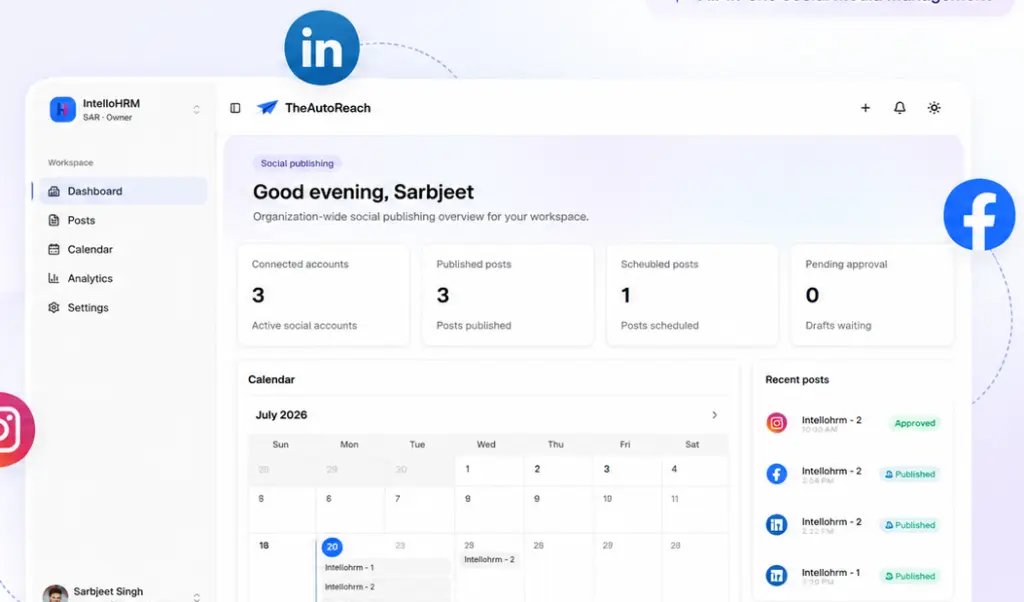
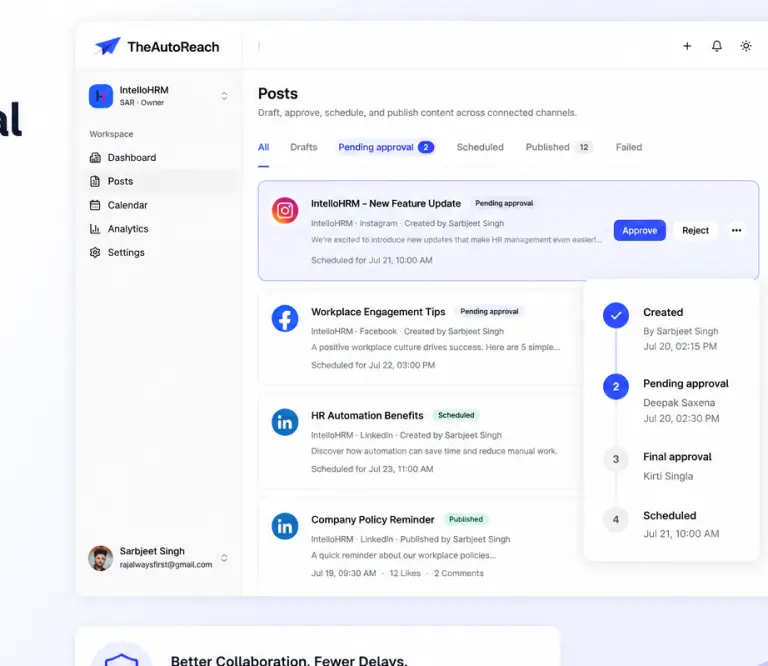
Start free · Free social media scheduler · Pricing details · Compare paid-tool alternatives
2. Buffer — best familiar free tier
Buffer’s free plan is one of the most recognized names in social media scheduling tools. The UX is polished and the brand is trusted. Watch channel limits (typically three on free) and post caps as your volume grows.
Best for: solo marketers who want a well-known tool and post lightly across a few channels.
Watch-out: costs climb as you add channels, seats, or analytics. Read our Buffer alternative and TheAutoReach vs Buffer pages.
3. Later — best free tier for visual / Instagram-first teams
Later built its reputation on visual planning and Instagram workflows. The free tier suits creators who think in grids and carousels. If LinkedIn and Threads matter equally, confirm the free plan covers your full channel mix.
Best for: Instagram-heavy creators and small brands.
Watch-out: multi-channel teams may outgrow visual-first pricing. See Later alternative.
4. Metricool — best analytics-leaning freemium
Metricool combines scheduling with reporting — popular with marketers who want one dashboard for planning and performance. Free limits vary; compare against your real posting volume before committing a client queue.
Best for: marketers who want metrics beside the calendar.
Watch-out: free caps on brands, posts, or networks. See Metricool alternative.
5. Publer and other freemium suites
Publer, SocialBee, and similar tools often mix free caps with paid unlocks. They can work for light use — compare carefully against how many channels and posts you publish each week.
6. Native schedulers (Meta Business Suite, LinkedIn, etc.)
Native apps cost $0 extra and auto-publish on their own network. The trade-off is app-switching: managing LinkedIn, Instagram, Facebook, Threads, YouTube, and more from separate dashboards does not scale for most teams.
Quick comparison — free strength vs watch-out
| Option | Free strength | Watch-out |
|---|---|---|
| TheAutoReach | Nine-network auto-publish free to start | Focused publisher — not a mega-suite with inbox monitoring |
| Buffer | Familiar UX, trusted brand | Paid plans as channels and seats grow |
| Later | Strong visual / Instagram planning | Multi-channel teams may need upgrades |
| Native apps | $0 extra software | App-switching tax across networks |
How to pick the best free social media scheduler
- List your channels — if you need nine networks, start with tools that publish all of them free.
- Check auto-publish — some “free” tiers only let you plan, not publish.
- Count weekly posts — free post caps matter for agencies and active brands.
- Skip the card if you can — prove the workflow before payment details.
- Trial one week side by side — schedule the same queue in TheAutoReach and your current tool.
If your week is LinkedIn + Meta + Threads + YouTube + more, start free on TheAutoReach. Need TikTok/X depth or enterprise inbox monitoring? Evaluate broader suites — but only pay for modules you will actually open.
Related guides
- Free social media scheduler (product page)
- Best social media schedulers (paid + free roundup)
- Social media scheduling tools
- Best LinkedIn scheduling tools
- Buffer alternative · Hootsuite alternative
Try TheAutoReach free — nine channels, no credit card, auto-publish included.