TheAutoReach

New: YouTube Shorts, Discord, Telegram, Pinterest & WordPress — schedule more channels Get started free →

Integrations · WordPress

WordPress Scheduler

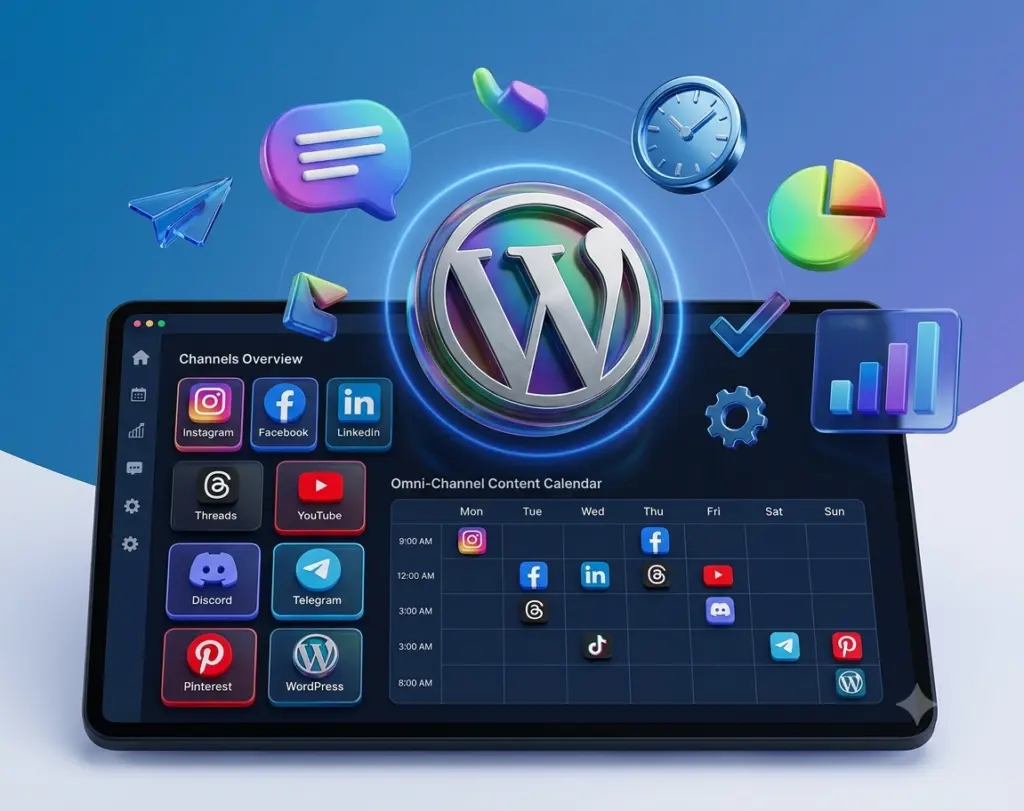
Schedule WordPress posts from the same workspace as LinkedIn, YouTube, Pinterest, and your other channels — so the blog and social calendar stay in sync.

Official connect

Secure OAuth-based integration.

Timed publishing

Go live when you choose.

Same workflow

One composer for all channels.

Clear status

Track queued and published posts.

wordpress_scheduler

WordPress Scheduler

Plan WordPress posts before they go live

Draft the post, attach media, and pick a publish time. TheAutoReach publishes to your connected WordPress site on schedule.

Together

Works with your other channels

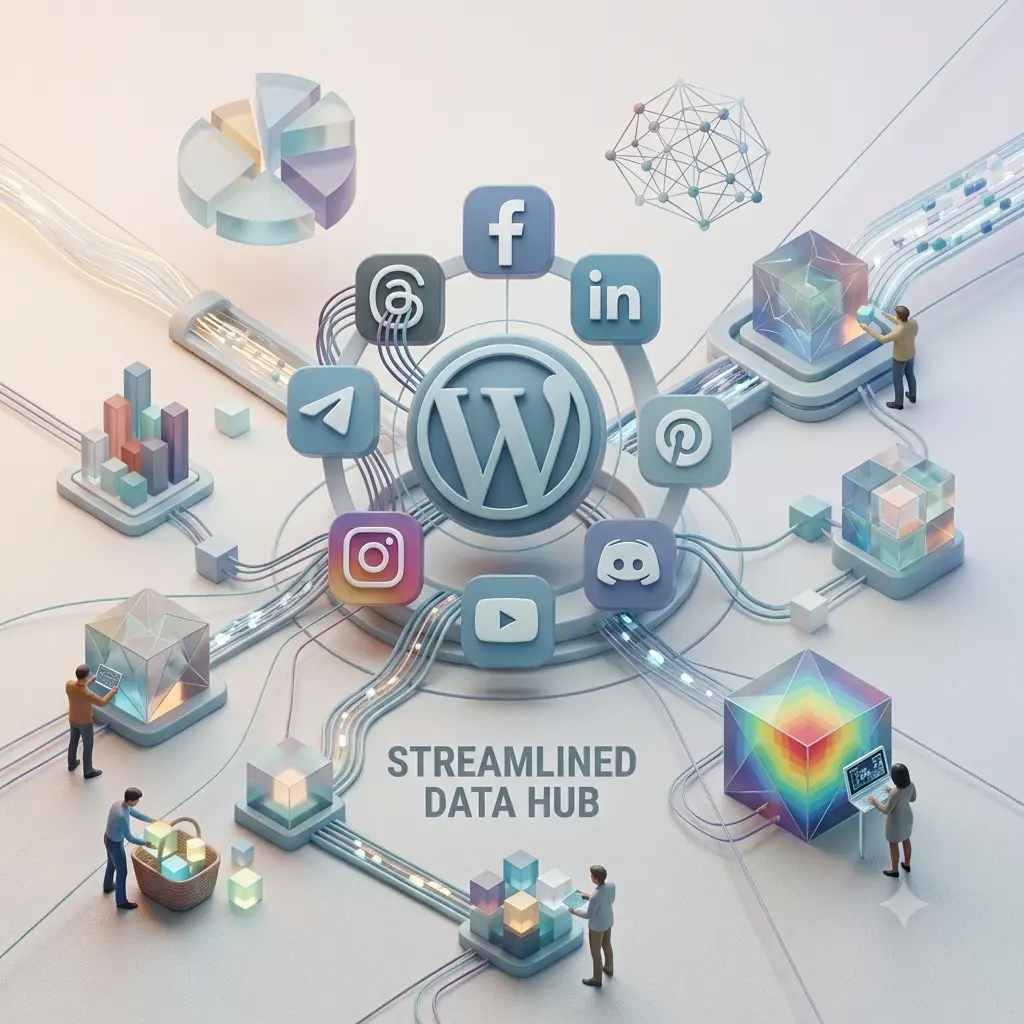
Use the same schedule-and-review workflow across LinkedIn, Facebook, Instagram, Threads, YouTube, Discord, Telegram, Pinterest, and WordPress.

wordpress_channel_3
wordpress_connect

Control

Connect and revoke anytime

You’re always in control of account access.

How it works

1

Connect WordPress

Authorize securely via official OAuth.

2

Compose & schedule

Create content and pick a publish time.

3

Auto-post

TheAutoReach publishes for you.

“Clear queue status means fewer missed posts.”

Social manager · Agency

Keep exploring

All integrations

See every supported channel.

Publish

Learn about scheduling.

Security

How connections stay safe.

FAQ

Yes. Connect WordPress, compose the post, pick a time, and TheAutoReach publishes for you.
Yes. WordPress connects through secure, official authorization that you control and can revoke at any time.
Yes. The Free plan costs $0 with no credit card and no trial timer. It includes up to 25 social channels (5 workspaces × 5 accounts), 4 published posts per channel per week, and 3 team members per workspace, with auto-publishing to LinkedIn, Facebook, Instagram, Threads, YouTube, Discord, Telegram, Pinterest, and WordPress. Paid Starter and Business plans add more channels and posting volume — see the pricing page for current limits.
No. You can create a workspace, connect your channels, and start scheduling posts without entering any payment details. There’s no trial timer counting down in the background.
LinkedIn, Facebook, Instagram, Threads, YouTube, Discord, Telegram, Pinterest, and WordPress — including YouTube Shorts — all from a single workspace and one shared schedule.
Absolutely. Connections use secure, revocable access, so you can disconnect any channel or close your workspace whenever you like. You’re always in control of your accounts and data.

WordPress scheduler for your blog calendar

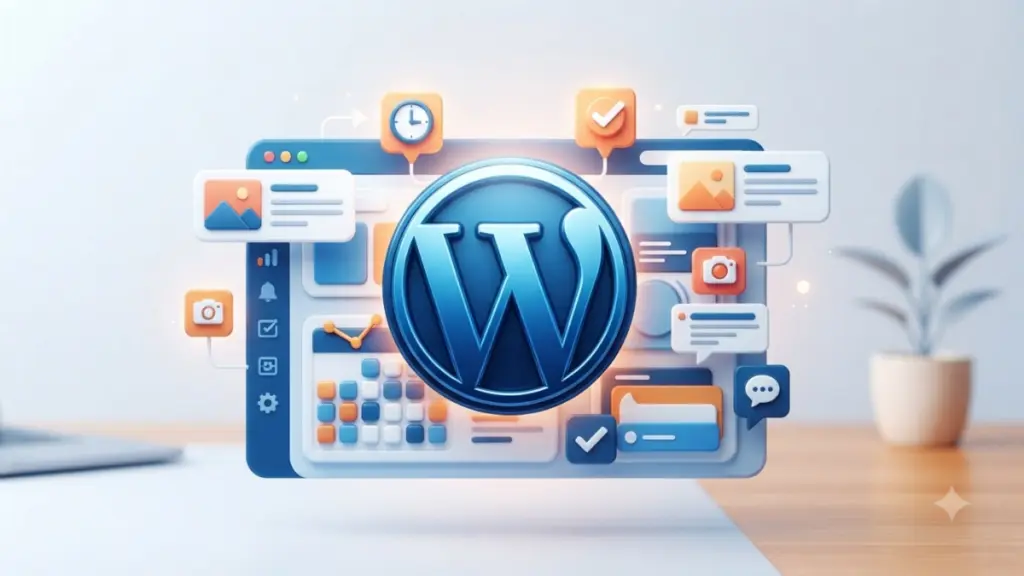
A WordPress scheduler lets you queue articles instead of hitting Publish only when you remember. TheAutoReach connects WordPress and keeps blog posts in the same calendar as YouTube, Pinterest, and your social networks.

How to schedule WordPress posts

  1. Connect your WordPress site with secure authorization.
  2. Compose the post and attach featured media.
  3. Pick a time — auto-publish handles the rest.

Start free · All integrations

Start scheduling WordPress Scheduler

Schedule posts and keep your grid consistent without the daily grind.

✓ Free to start     ✓ No credit card     ✓ Cancel anytime