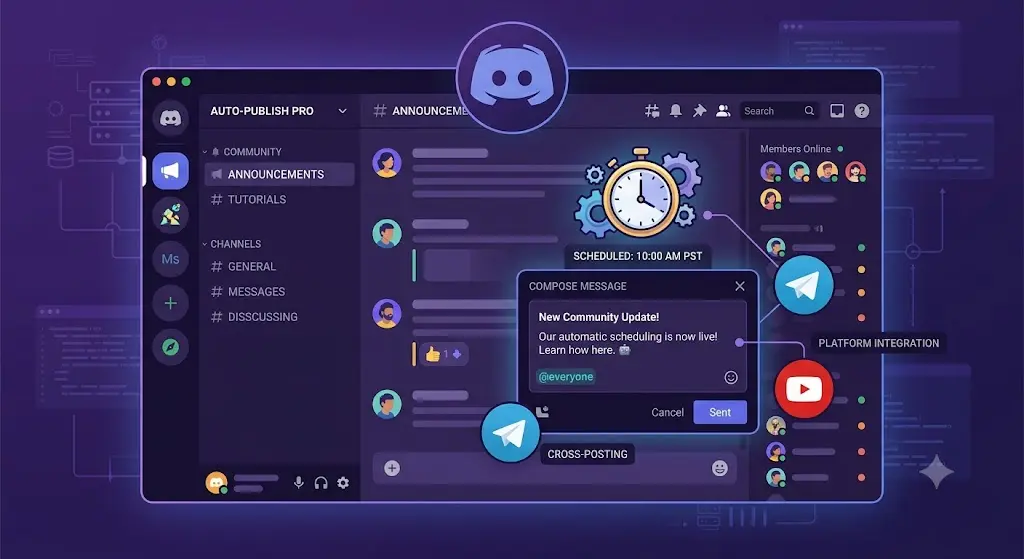
Discord communities move fast, and manually posting updates at the right time — especially across time zones — gets old quickly. A proper Discord schedule integration solves this by letting you queue announcements, updates, and content drops in advance.
Why scheduling matters for Discord specifically
Unlike Instagram or LinkedIn, Discord communities are live and conversational. Timing announcements around when your community is actually active (not just when you remember to post) makes a measurable difference in engagement.
Setting up Discord scheduling
Connect your server through the Discord integration, then draft announcements, event reminders, or content drops the same way you would for any other platform.
What to schedule on Discord
Weekly community updates or recaps, new content or product announcements, event reminders (AMAs, launches, giveaways), and cross-posted content from other channels (YouTube uploads, blog posts).
Combining Discord with your other platforms
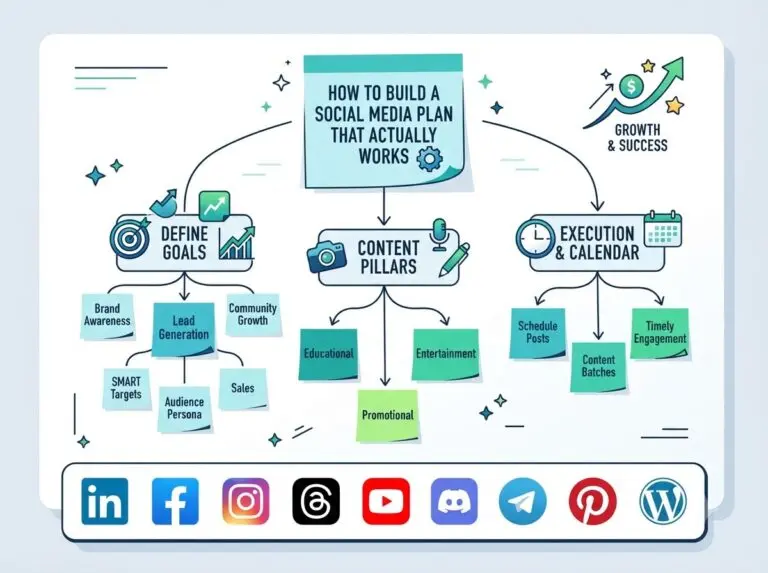
Most communities don’t only live on Discord — they’re also on Telegram, YouTube, or Instagram. Rather than managing each separately, plan a single announcement and adapt it per platform, fitting into the same planning template you use elsewhere. See the Telegram and YouTube integrations if your community spans multiple spaces.
Keeping a consistent cadence
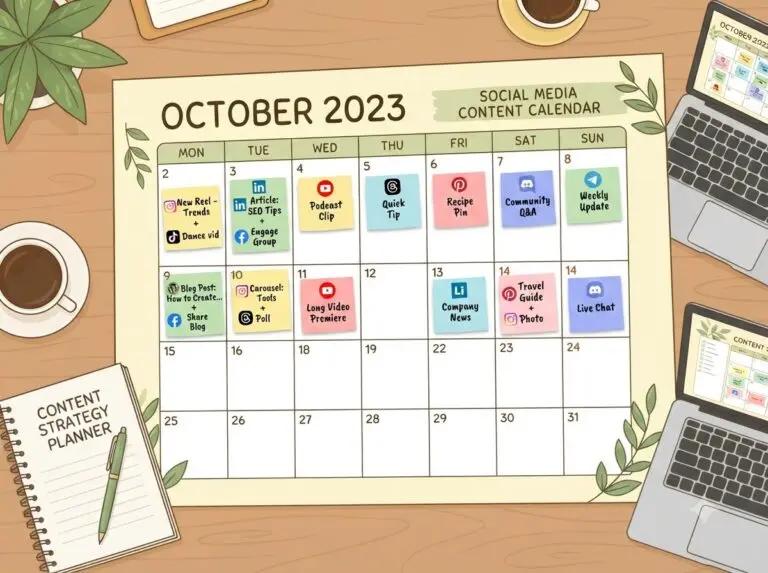
Use recurring time slots for anything that repeats weekly (community updates, recap threads) so it’s not something you have to remember manually every week.
Measuring what’s working
Check your performance insights to see which announcement types actually drive activity, rather than guessing based on gut feel.
A Discord schedule integration turns community management from a reactive, always-online task into a planned, consistent part of your content workflow.