The best social media scheduler for you depends on your team size, budget, and which platforms you actually post to — not on whichever tool ranks first in a generic listicle.
Start by defining your use case
Solo creators should prioritize a strong free tier and AI writing tools. Small businesses should prioritize affordability plus a content calendar. Agencies should prioritize multi-client workspaces and collaboration. Nonprofits should prioritize low cost and simple team access. See how plans map to these: creators, small business, agencies, teams, and nonprofits.
What actually separates “best” from “good enough”
Platform coverage matters most — check the full list of supported platforms; tools that skip Discord, Telegram, or TikTok limit where you can grow. Collaboration matters if more than one person touches content — see how shared workspaces and team collaboration work. Security matters especially for agencies managing client accounts — see security details. AI tools should be included, not a separate purchase — see the full set of built-in tools and the AI social media agent. Teams already using AI assistants may also want MCP support for deeper workflow integration.
Free vs. paid: a fair comparison
A free tier is right for testing. Paid tiers unlock more accounts, team seats, and analytics — compare specifics on the pricing page rather than assuming “paid = better” across the board. For a narrower free-only shortlist, see the best free social media schedulers.
How TheAutoReach compares directly
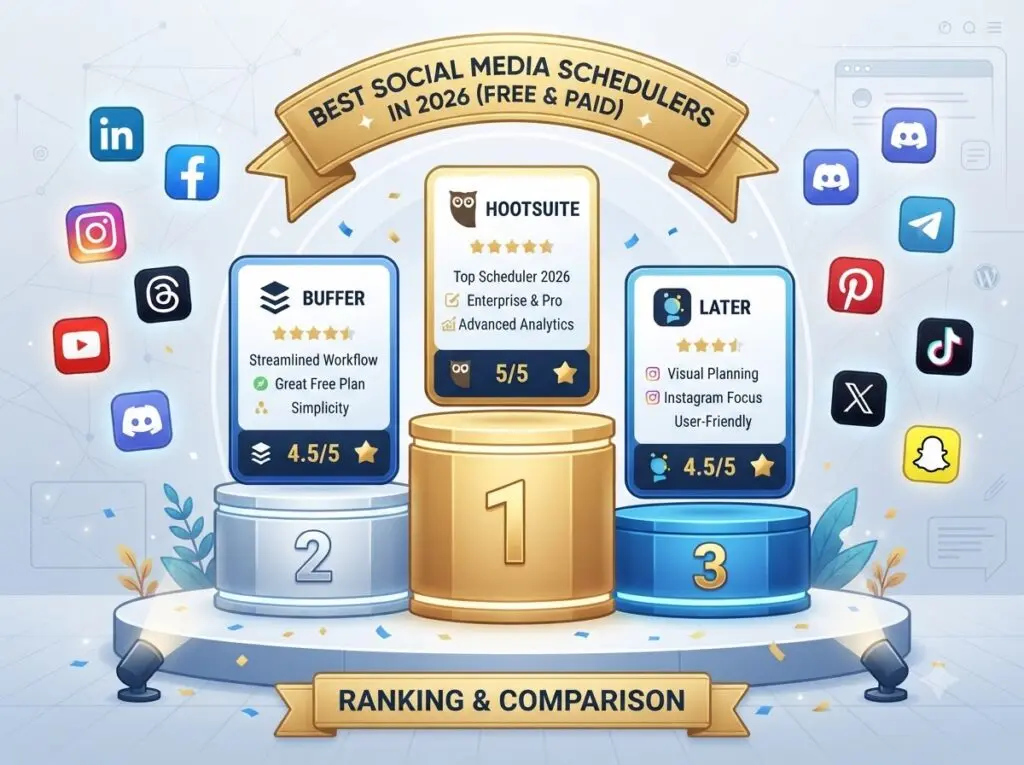
For a side-by-side view against specific competitors, see: vs. Buffer, vs. Hootsuite, vs. Sprout Social, vs. SocialBee, and vs. Metricool. If LinkedIn is your main channel, also check the best LinkedIn scheduling tools.
The best social media scheduler is the one that fits your actual workflow — match the tool to your use case first, then compare pricing.
Free social media scheduler plans compared
Free plan limits for popular social media schedulers, checked against each vendor's official pricing page on October 6, 2026.
| Scheduler | Free plan | Channels | Post limit | Users | Notes |
|---|---|---|---|---|---|
| TheAutoReach | Yes (no expiry, no card) | 25 channels (5 workspaces × 5 accounts) | 4 published posts per channel per week (~17/month per channel; 100/week in total) | 3 per workspace | LinkedIn, Facebook, Instagram, Threads, YouTube, Discord, Telegram, Pinterest, WordPress; no X yet |
| Buffer | Yes | 3 channels | 10 scheduled posts per channel at a time (refills as posts publish) | 1 | Supports X, TikTok, Bluesky, Mastodon and more |
| Publer | Yes | 3 social accounts (X not allowed on Free) | 10 scheduled posts per account at a time; 25 drafts | 1 | 1 workspace; 24-hour post history |
| Zoho Social | Yes | 6 fixed channels in 1 brand (Facebook Page, Instagram business, LinkedIn profile, LinkedIn page, X, Google Business Profile) | No monthly cap stated | 1 | Channel types are fixed; no Discord, Telegram, Pinterest, YouTube or WordPress on Free |
| Metricool | Yes | 1 brand (1 profile per network) | 20 published posts per month | 1 | No LinkedIn or X on Free; strong free analytics |
| Hootsuite | No (14-day trial) | — | — | — | Paid plans start at $99 per user/month |
| Later | No (14-day trial) | — | — | — | Starter plan allows 30 posts per profile per month |
Vendor plans change often — follow each scheduler's link for its current terms.