
Compare · vs Buffer
TheAutoReach vs Buffer: which should you choose?
An honest comparison of price, scheduling depth, automation, and who each tool fits — so you can decide if TheAutoReach is the better Buffer swap.
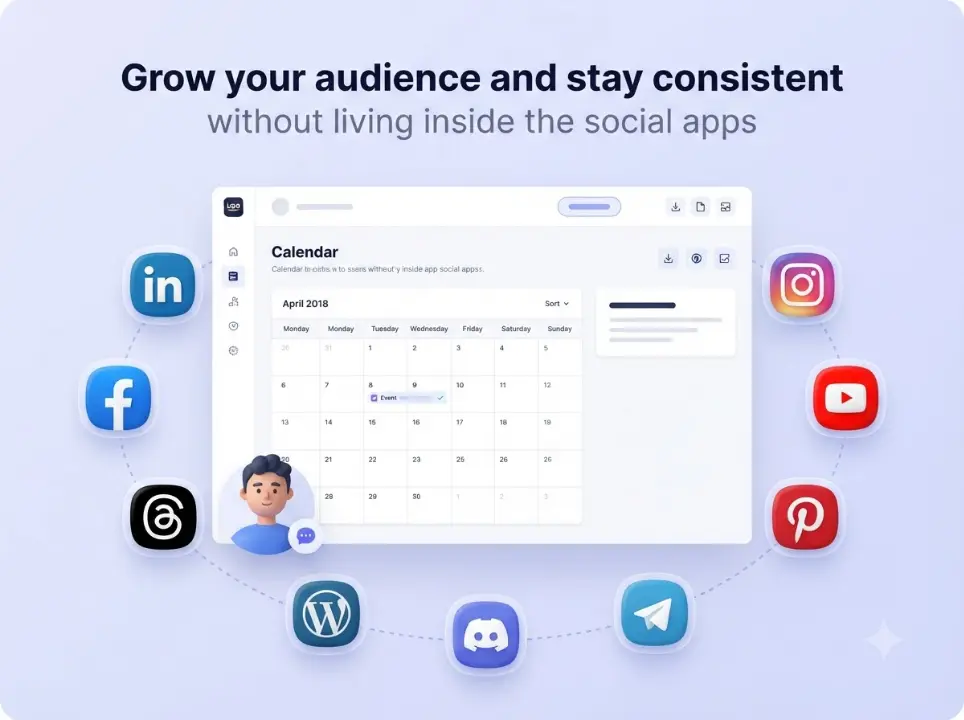
Price
TheAutoReach: free to start. Paid suites add up fast.
Scheduling
Four networks, one queue, clear auto-publish status.
AI + automation
Schedule AI drafts reliably — no suite tax required.
Focus
Built for teams who felt Buffer was more than they needed.

Head-to-head
TheAutoReach vs Buffer: which should you choose?
An honest comparison of price, scheduling depth, automation, and who each tool fits — so you can decide if TheAutoReach is the better Buffer swap.
Where Buffer wins
Buffer still makes sense when…
Buffer is a well-known social scheduler with a polished calendar and broad brand recognition.


Where TheAutoReach wins
Price, focus, and publish reliability
As you outgrow the free tier, paid Buffer plans and per-channel limits add up — especially for teams that mainly need LinkedIn, Facebook, Instagram, Threads, YouTube, Discord, Telegram, Pinterest, and WordPress done reliably.
How it works
Try both fair
Open a free TheAutoReach workspace — no card needed.
Connect the same channels
LinkedIn, Facebook, Instagram, Threads, YouTube, Discord, Telegram, Pinterest, and WordPress.
Compare for a week
Run your next week in TheAutoReach beside Buffer, then keep the clearer tool.
“TheAutoReach vs Buffer wasn’t close on price for our use case.”
Ops lead · Multi-channel team
Keep exploring
FAQ
TheAutoReach vs Buffer is a decision about publishing reliability versus suite familiarity — not which logo looks nicer. Use this page to score both tools against the work you do every week: compose, schedule, auto-publish, and verify.
Quick verdict
Choose Buffer if you already live in its calendar, rely on its reporting or engagement add-ons, and the invoice still feels fair. Choose TheAutoReach if you mainly need posts to go out on LinkedIn, Facebook, Instagram, Threads (plus optional YT/Discord/Telegram/Pinterest/WordPress) with a free core and a scannable queue.
Side-by-side criteria matrix
| Criteria | TheAutoReach | Buffer | Weight for most SMBs |
|---|---|---|---|
| Time-to-first scheduled post | Minutes after OAuth | Minutes (familiar UI) | High |
| Cost to start | Free core, no card | Free tier / paid for scale | High |
| Channel breadth for one price story | Nine networks in product set | Depends on plan | Medium–High |
| Calendar polish / brand trust | Functional queue | Industry-known UX | Medium |
| Analytics depth | Publishing-first | Stronger suite path | Medium |
| Team approvals / enterprise modules | Lightweight | More mature options | Low–Medium for SMBs |
Workflow comparison (a normal Tuesday)
Cost scenarios
| Team shape | Usually cheaper / simpler | Why |
|---|---|---|
| Solo creator, 4–6 channels | TheAutoReach | Free core covers the publishing job |
| 2-person marketing pair, LI+IG heavy | TheAutoReach | Avoids early seat upgrades |
| Brand deep in Buffer analytics + engagement | Buffer | Switching cost > subscription delta |
| Agency with many Buffer-trained freelancers | Buffer (short term) | Retraining cost; revisit per client |
Decision checklist
- List the channels you actually posted to last month.
- Highlight which Buffer features you opened weekly vs never.
- Price those unused modules against a free publishing core.
- Run one calendar week in both tools before you cancel anything.
Migration-focused angle: Best Buffer alternative. Also see Buffer alternatives roundup.
TheAutoReach vs Buffer FAQs
Is TheAutoReach cheaper than Buffer?
For teams that only need scheduling and auto-publish, yes — free core vs paid Buffer plans is usually the deciding factor. If you use Buffer’s deeper suite heavily, compare total value, not just list price.
Which is better for LinkedIn + Threads?
Both can publish; TheAutoReach is built around a focused multi-channel queue that treats those networks as core, not afterthoughts.
Should agencies replace Buffer everywhere?
Not blindly. Pilot on one client workspace first; keep Buffer where stakeholders already review inside it.
Start free · All comparisons · Pricing
TheAutoReach vs Buffer: evaluation worksheet
Copy this into a doc and score 1–5. Multiply by weight. The higher total wins for your team — not the internet’s opinion.
| Factor | Weight | Score Buffer | Score TheAutoReach |
|---|---|---|---|
| On-time publishes last 30 days | 5 | — | — |
| Monthly cost / seats | 5 | — | — |
| Minutes to schedule 10 posts | 4 | — | — |
| Channels you actually use | 4 | — | — |
| Unused modules you still pay for | 3 | — | — |
| Stakeholder familiarity | 2 | — | — |
Myths that distort Buffer comparisons
- “More brand recognition means better publishing.” Recognition helps sales pages; it does not reduce missed slots.
- “Free tools aren’t serious.” Serious is an SLA on posts going live — measure that.
- “We need analytics in the same app.” Only if you open those reports weekly.
Start the pilot: create a free workspace.
Free social media scheduler plans compared
Free plan limits for popular social media schedulers, checked against each vendor's official pricing page on October 6, 2026.
| Scheduler | Free plan | Channels | Post limit | Users | Notes |
|---|---|---|---|---|---|
| TheAutoReach | Yes (no expiry, no card) | 25 channels (5 workspaces × 5 accounts) | 4 published posts per channel per week (~17/month per channel; 100/week in total) | 3 per workspace | LinkedIn, Facebook, Instagram, Threads, YouTube, Discord, Telegram, Pinterest, WordPress; no X yet |
| Buffer | Yes | 3 channels | 10 scheduled posts per channel at a time (refills as posts publish) | 1 | Supports X, TikTok, Bluesky, Mastodon and more |
| Publer | Yes | 3 social accounts (X not allowed on Free) | 10 scheduled posts per account at a time; 25 drafts | 1 | 1 workspace; 24-hour post history |
| Zoho Social | Yes | 6 fixed channels in 1 brand (Facebook Page, Instagram business, LinkedIn profile, LinkedIn page, X, Google Business Profile) | No monthly cap stated | 1 | Channel types are fixed; no Discord, Telegram, Pinterest, YouTube or WordPress on Free |
| Metricool | Yes | 1 brand (1 profile per network) | 20 published posts per month | 1 | No LinkedIn or X on Free; strong free analytics |
| Hootsuite | No (14-day trial) | — | — | — | Paid plans start at $99 per user/month |
| Later | No (14-day trial) | — | — | — | Starter plan allows 30 posts per profile per month |
Vendor plans change often — follow each scheduler's link for its current terms.
Ready to try TheAutoReach vs Buffer?
Start free, schedule a full week, and judge the workflow yourself — no credit card required.
✓ Free to start ✓ No credit card ✓ Cancel anytime