
TheAutoReach

New: YouTube Shorts, Discord, Telegram, Pinterest & WordPress — schedule more channels Get started free →

Product · AI Agent

AI social media agent that writes and schedules for you

Use an AI agent with TheAutoReach MCP to auto-write captions, schedule posts, and publish across nine channels — without copy-paste.

Agent + MCP

Draft in chat, queue in TheAutoReach.

Nine channels

One agent workflow for every connected network.

Clear queue

Approve times before anything goes live.

Safe access

Revoke MCP or channel access anytime.

AI publishing

An AI agent that publishes — not just writes

A free social media scheduler should cover real publishing: compose, queue, and auto-publish on the channels you use — not lock essentials behind a trial.

Workflow

From prompt to published

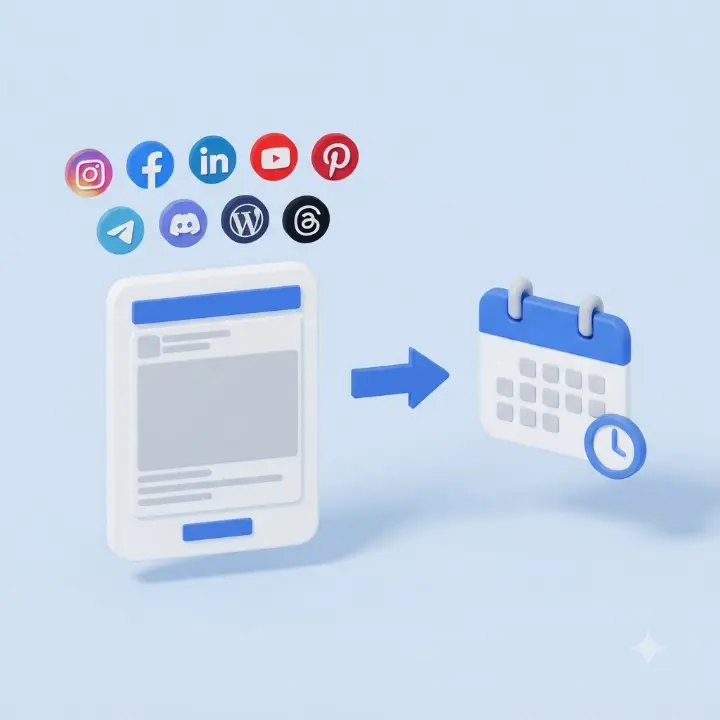
Compose once, set the time once, and let auto-publish keep LinkedIn, Facebook, Instagram, Threads, YouTube, Discord, Telegram, Pinterest, and WordPress consistent.

Outcomes

Consistency without leaving your agent

Stay active on social while you work in Cursor or Claude — free to start, no card required.

How it works

1

Create a workspace

Open TheAutoReach free — invite your team or start solo.

2

Enable MCP

Enable MCP, then add MCP to your AI agent.

3

Ask & publish

Let the agent draft; TheAutoReach schedules and auto-publishes.

“We finally scheduled a full week without paying for a suite.”

Marketing lead · Multi-channel team

Keep exploring

Features

See the full product toolkit.

Integrations

Explore supported channels.

Pricing

See how to get started.

FAQ

Yes. Connect LinkedIn, Facebook, Instagram, Threads, YouTube, Discord, Telegram, Pinterest, and WordPress, compose posts, schedule them, and auto-publish — free to start, no credit card.
Core compose, queue, scheduling, and auto-publish across the nine supported networks. Optional paid capacity may come later for advanced scale — everyday essentials stay free.
This page is the product itself. For roundups comparing tools, see our best free social media schedulers guide.
No. Create a workspace and start scheduling without payment details or a countdown trial.
LinkedIn, Facebook, Instagram, Threads, YouTube, Discord, Telegram, Pinterest, and WordPress from one shared queue.
Yes. Connections use revocable OAuth — disconnect a channel or close the workspace whenever you want.

What you get with a free social media scheduler

TheAutoReach is a free social media scheduler built for the channels most teams actually use every week: One agent workflow for every connected network. Compose once, set the time, and auto-publish — without paying for suite features you will not open.

  • Compose — write (or paste AI drafts) and tailor per network.
  • Queue & schedule — plan the week in one place.
  • Auto-publish — posts go out on time with clear status.
  • Official connections — OAuth you can revoke anytime.

Comparing free plans across vendors? Read best free social media schedulers. Ready for plans and limits? See pricing.

See the free scheduler in action

Free social media scheduling tools should feel like a real workflow — not a demo that locks publishing behind an upgrade. Here is what TheAutoReach looks like when you batch a week of posts:
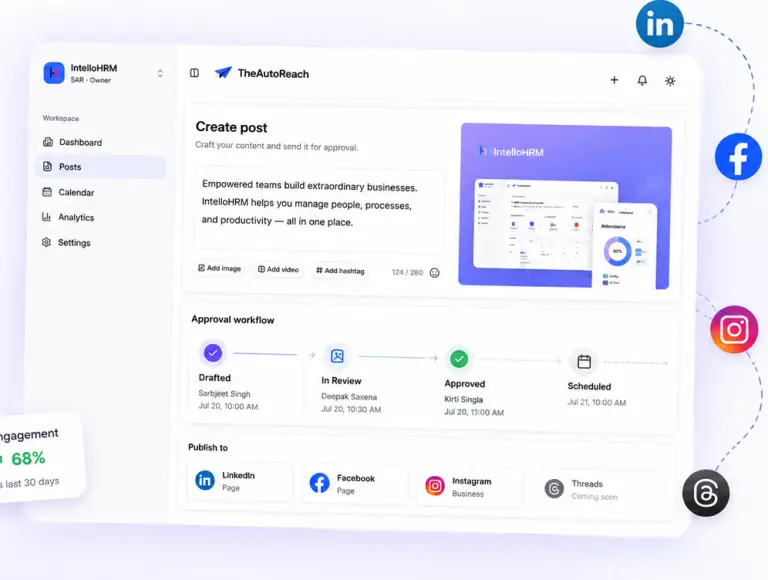
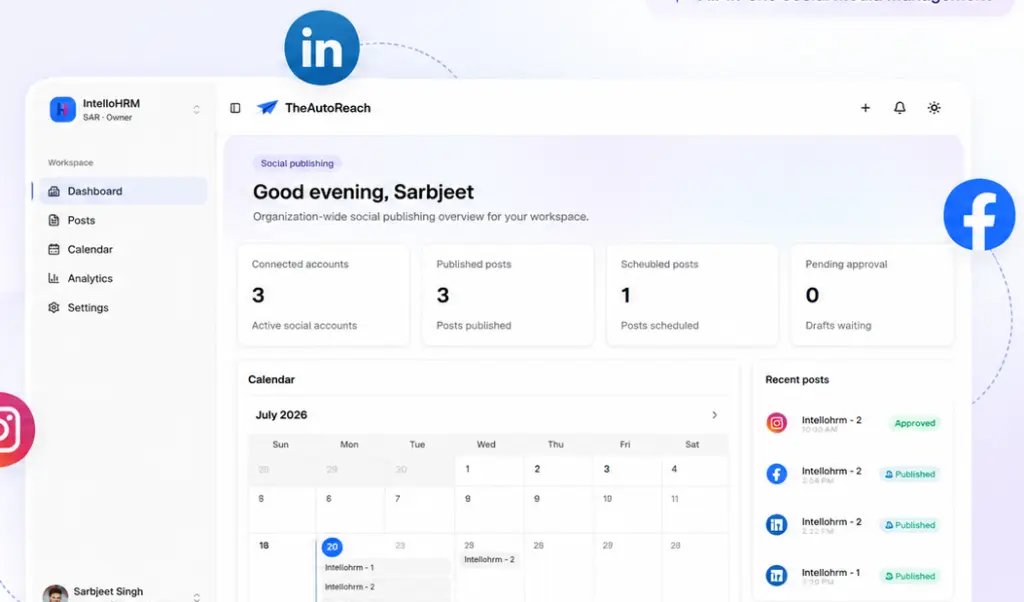
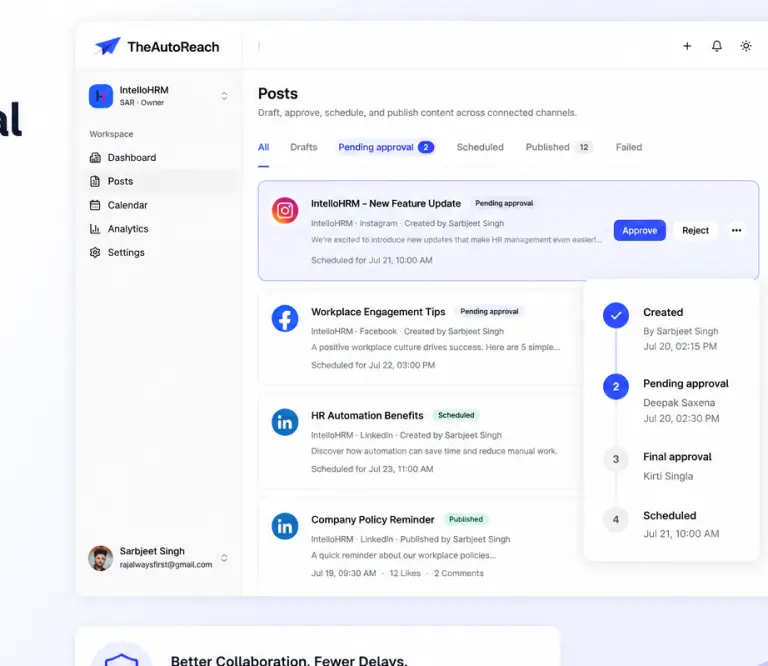
TheAutoReach compose screen for free social media scheduling
Compose once — tailor for each network
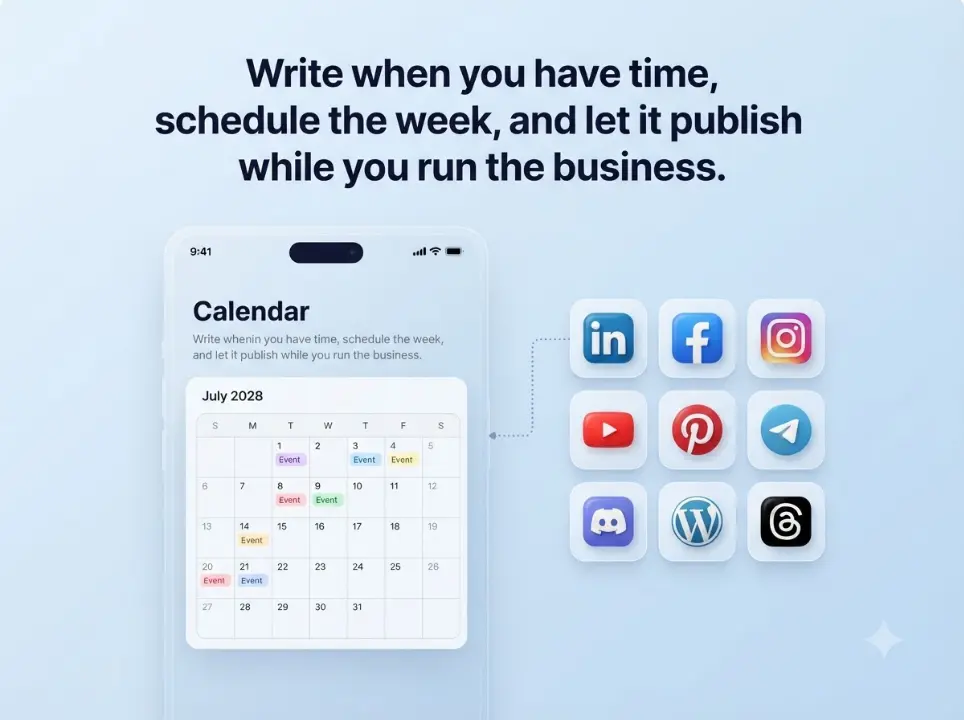
Free social media scheduler calendar view
Schedule posts across nine channels
Social media scheduler queue with publish status
Queue visibility — see what is next

Free social media scheduler comparison (2026)

Searching for a free social media post scheduler or social media scheduler free? Compare how real free plans stack up before you connect accounts:

ToolFree channelsAuto-publishCredit cardBest for
TheAutoReach9 (LI, FB, IG, Threads, YT, Discord, Telegram, Pinterest, WP)Yes — free coreNot requiredTeams that want free multi-channel publishing without suite bloat
Buffer free3 channels, limited postsYes (within limits)Not requiredFamiliar UX; watch caps as you scale — Buffer alternative
Later freeInstagram-first; limited postsYes (within limits)Not requiredVisual planning — Later alternative
Metricool freeVaries by plan tierYes (within caps)Not requiredAnalytics-leaning freemium — Metricool alternative
Native apps (Meta, LinkedIn)One network eachYesNot requiredSingle-channel use; painful across nine networks

Want the full roundup? See best free social media schedulers in 2026.

How free social media scheduling works

  1. Create a free workspace — no card required.
  2. Enable MCP — LinkedIn, Facebook, Instagram, Threads, YouTube, Discord, Telegram, Pinterest, and/or WordPress.
  3. Compose & schedule — write posts, set times, and let auto-publish run.
  4. Review status — see what published, what is queued, and what is next.

Need platform-specific help? Start with the Instagram scheduler, LinkedIn scheduler, Facebook scheduler, Threads scheduler, YouTube scheduler, or Pinterest scheduler.

Free scheduler vs freemium traps

Many “free” tools lock channels, seats, or auto-publish behind upgrades. TheAutoReach’s free core is meant for real weekly publishing: compose → schedule → publish on your connected networks. When you outgrow essentials, optional paid capacity can come later — you are not forced into a trial cliff on day one.

Common traps to avoid when evaluating free social media scheduling tools:

  • Seven-day trials disguised as “free” — the clock starts before you prove the workflow.
  • Channel caps that force upgrades once you connect Instagram + LinkedIn + Facebook.
  • Planning-only free tiers that do not actually auto-publish without paying.
  • Per-seat pricing that makes a three-person team pay like an enterprise.

Who a free social media scheduler is for

  • Solo creators who batch content once a week
  • Small businesses that need consistency without a full social team
  • Agencies testing a lean client stack before expanding seats
  • Teams leaving native apps and spreadsheets for one shared queue

Pair free scheduling with free creation tools

Schedule faster when drafts are ready. Use our AI caption generator, AI hashtag generator, and UTM builder, then publish on time with this free scheduler.

Related resources

Get started free — no credit card, nine channels, auto-publish included.

An AI social media agent that actually publishes

Most “AI for social” tools stop at captions. An AI social media agent connected to TheAutoReach via MCP can write the post and move it into a real schedule — so LinkedIn, Instagram, YouTube, and your other channels stay consistent without daily manual posting.

Why teams want an agent + scheduler together

  • Write in chat, publish on schedule — draft with Cursor or Claude, then queue times in TheAutoReach.
  • One agent, nine channels — stop rewriting the same update in every native app.
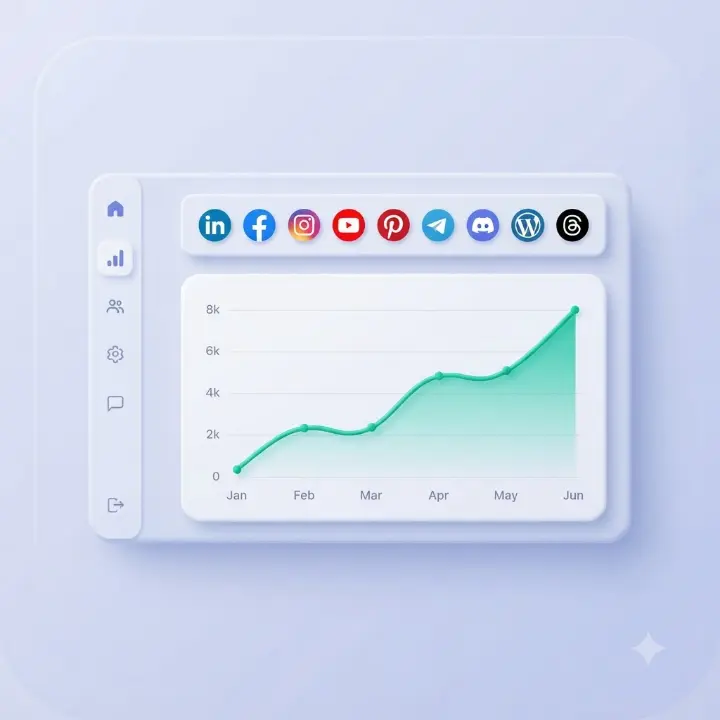
  • Status you can check — see what published, what is queued, and what is next.
  • Free to start — no credit card to open a workspace and try the flow.

How an AI agent uses TheAutoReach MCP

  1. You connect TheAutoReach MCP to your agent (setup details on the MCP feature page).
  2. You ask for a week of posts, a LinkedIn thread, or a YouTube Short caption.
  3. The agent drafts copy and proposes channels and times.
  4. Approved items land in your TheAutoReach queue for auto-publish.
MCP is the bridge. The agent handles language. TheAutoReach handles compose, queue, schedule, and reliable publishing to your connected accounts.

Channels your agent can target

LinkedIn, Facebook, Instagram, Threads, YouTube, Discord, Telegram, Pinterest, and WordPress — from one automation workflow.

Get your AI social media agent live

Open a free workspace, connect channels, enable MCP, and let your agent start drafting into a schedule you trust.

Start free   MCP setup guide →

Show up consistently, without the overwhelm

Schedule a week of posts in minutes and get back to running your business.

✓ Free to start     ✓ No credit card     ✓ Cancel anytime