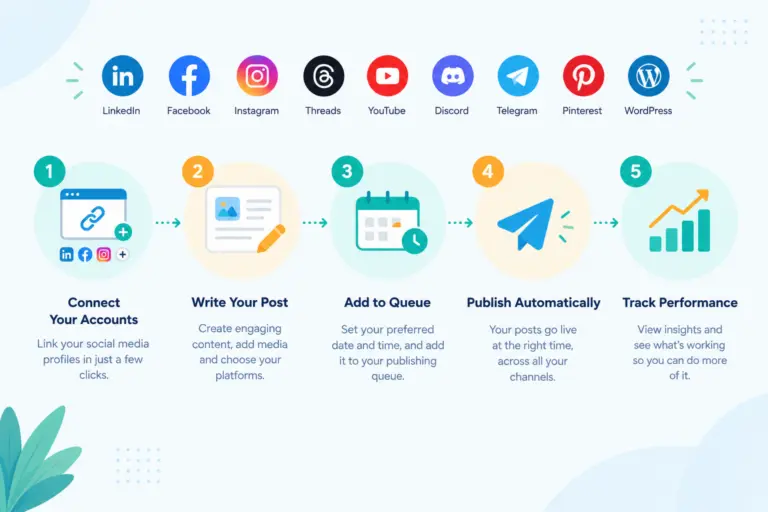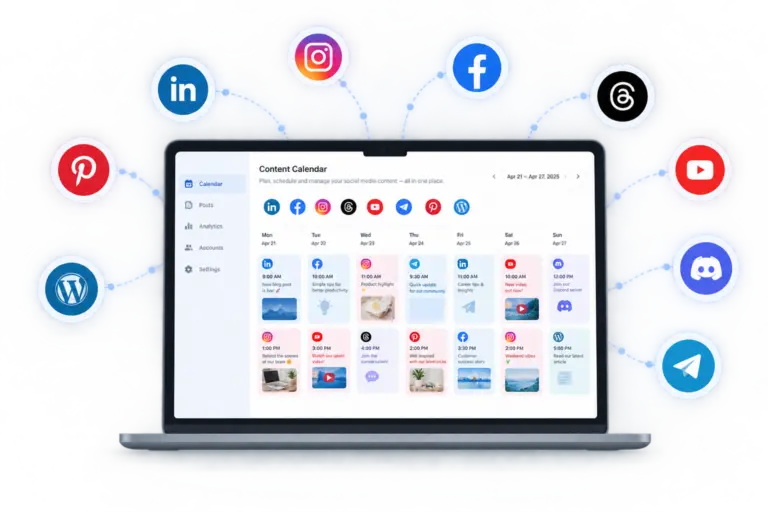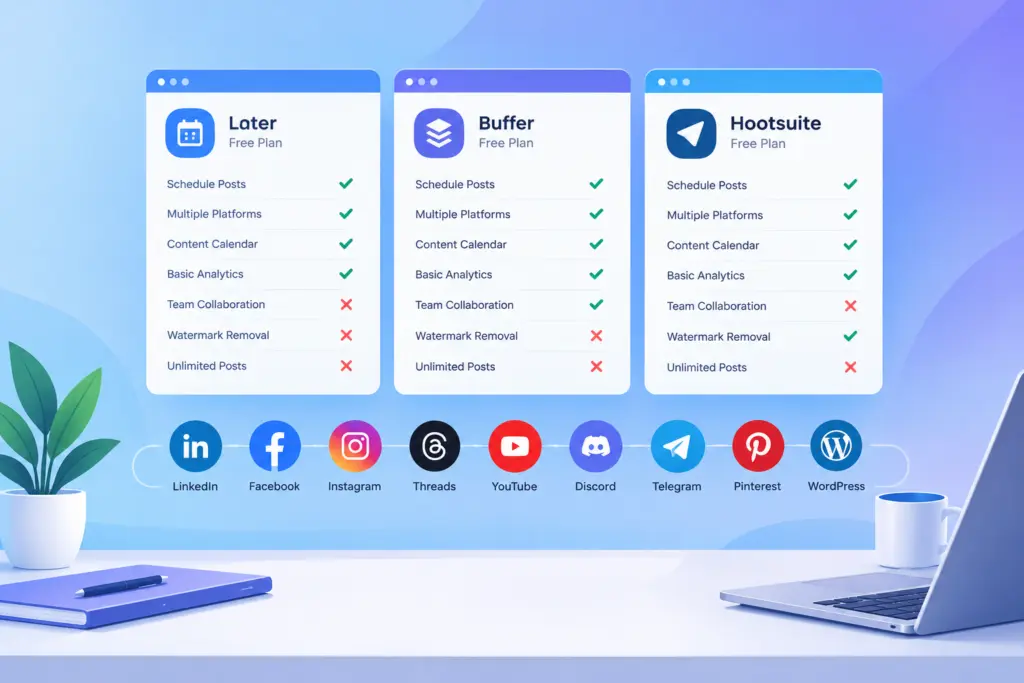
Searching for the best free social media scheduling tool usually means one thing: you want to post consistently without paying for software you haven’t validated yet. Here’s how to actually compare options instead of picking the first name you recognize.
What actually differs between “free” plans
Every free social media scheduling tool advertises “free,” but the differences show up in the fine print — number of connected accounts (usually 1 to 3), scheduling window (a week vs. a full month), platform coverage (Discord, Telegram, and TikTok are often missing), and whether a content calendar view is included at all.
TheAutoReach’s free tier covers 3 connected accounts with a full month of scheduling — see the free scheduler details and a fuller comparison of free schedulers.
How free tools stack up against paid competitors
For head-to-head breakdowns rather than marketing pages, see TheAutoReach vs. Buffer, TheAutoReach vs. Later, or the full list of alternatives if you’re actively switching tools. For a broader shortlist beyond free-only options, see the best social media schedulers ranked across both free and paid tiers.
Red flags in “free” scheduling tools
Watch for a free trial disguised as a free plan, no AI writing or hashtag help at any tier, analytics locked behind the highest-priced plan only, and no collaboration path if you eventually add a teammate.
A quick decision framework
Solo creators should prioritize platform coverage and ease of connecting accounts. Small teams should check whether the free plan even allows a second seat later — see options for teams. Agencies should skip free entirely and look at what’s built for agencies. If LinkedIn is your priority platform specifically, see the best LinkedIn scheduling tools.
The best free social media scheduling tool for you depends entirely on which platforms you post to and how far ahead you plan — compare on that, not on price alone.
Free social media scheduler plans compared
Free plan limits for popular social media schedulers, checked against each vendor's official pricing page on October 6, 2026.
| Scheduler | Free plan | Channels | Post limit | Users | Notes |
|---|---|---|---|---|---|
| TheAutoReach | Yes (no expiry, no card) | 25 channels (5 workspaces × 5 accounts) | 4 published posts per channel per week (~17/month per channel; 100/week in total) | 3 per workspace | LinkedIn, Facebook, Instagram, Threads, YouTube, Discord, Telegram, Pinterest, WordPress; no X yet |
| Buffer | Yes | 3 channels | 10 scheduled posts per channel at a time (refills as posts publish) | 1 | Supports X, TikTok, Bluesky, Mastodon and more |
| Publer | Yes | 3 social accounts (X not allowed on Free) | 10 scheduled posts per account at a time; 25 drafts | 1 | 1 workspace; 24-hour post history |
| Zoho Social | Yes | 6 fixed channels in 1 brand (Facebook Page, Instagram business, LinkedIn profile, LinkedIn page, X, Google Business Profile) | No monthly cap stated | 1 | Channel types are fixed; no Discord, Telegram, Pinterest, YouTube or WordPress on Free |
| Metricool | Yes | 1 brand (1 profile per network) | 20 published posts per month | 1 | No LinkedIn or X on Free; strong free analytics |
| Hootsuite | No (14-day trial) | — | — | — | Paid plans start at $99 per user/month |
| Later | No (14-day trial) | — | — | — | Starter plan allows 30 posts per profile per month |
Vendor plans change often — follow each scheduler's link for its current terms.