Managing multiple social accounts by hand eats hours every week. That’s why more creators and small businesses are searching for a free social media scheduler instead of paying for a full enterprise suite on day one.
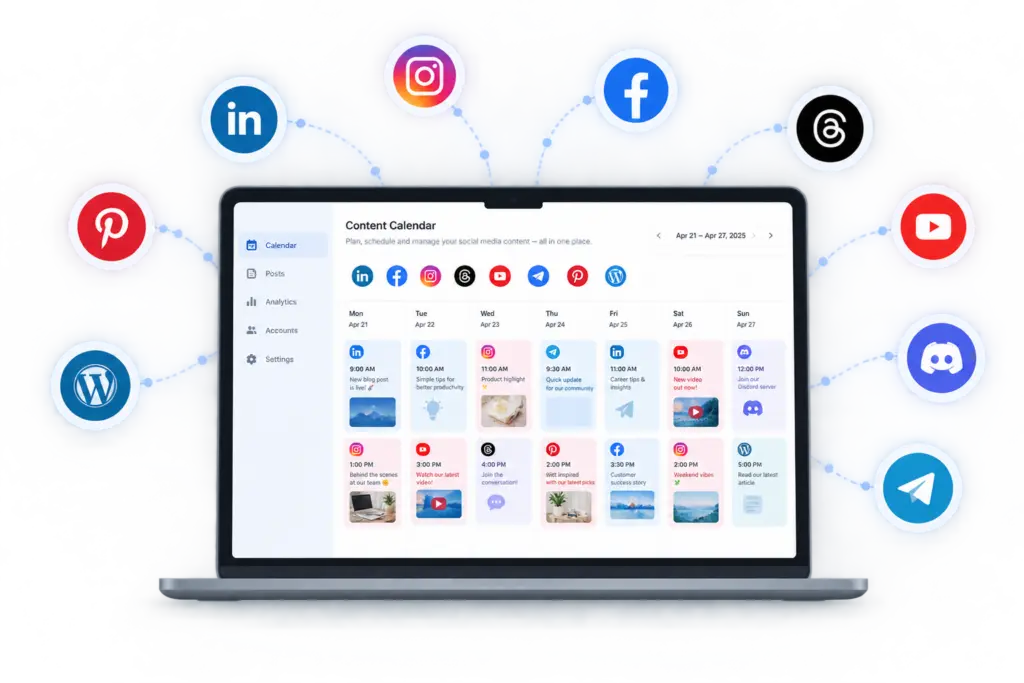
A good free social media scheduler lets you plan, queue, and auto-publish posts across platforms without logging into each app separately. The best free plans usually cover 2–3 connected accounts, a content calendar, and basic scheduling for a set window — enough to run a lean content operation before you scale.
What to expect from a free plan
Most free tiers limit you by number of connected accounts and how far ahead you can schedule. TheAutoReach’s free plan lets you connect up to 3 accounts and schedule posts for a full month — enough for solo creators or a small brand testing consistency before upgrading.
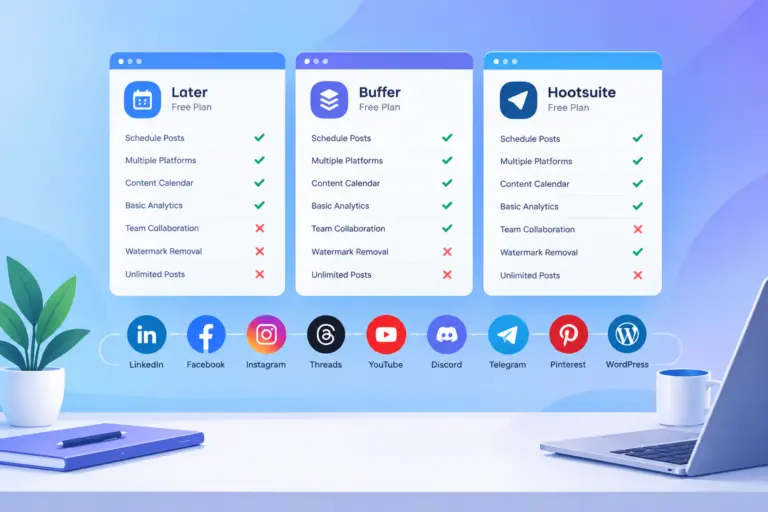
Free plans typically skip team collaboration, advanced analytics, and bulk uploading. If you’re a single person managing a handful of channels, none of that matters yet.
Which platforms actually matter
Not every free scheduler supports every network. If you’re active on LinkedIn, Facebook, Instagram, Threads, YouTube, Discord, Telegram, Pinterest, TikTok, or publishing to WordPress, check which platforms are supported before committing — some “free” tools quietly drop support for niche platforms like Discord or Telegram.
How this compares to general scheduling software
If you’re researching the category broadly, social media scheduling tools and social media scheduling software are useful starting points before narrowing down to a free-tier decision.
Free vs. paid: when to upgrade
You’ll outgrow free the moment you need more than 3 accounts, want to invite a teammate, or need performance insights to prove ROI. At that point, compare plans and pricing rather than switching tools entirely — migrating your queue and connections later is more work than it looks.
A simple way to start
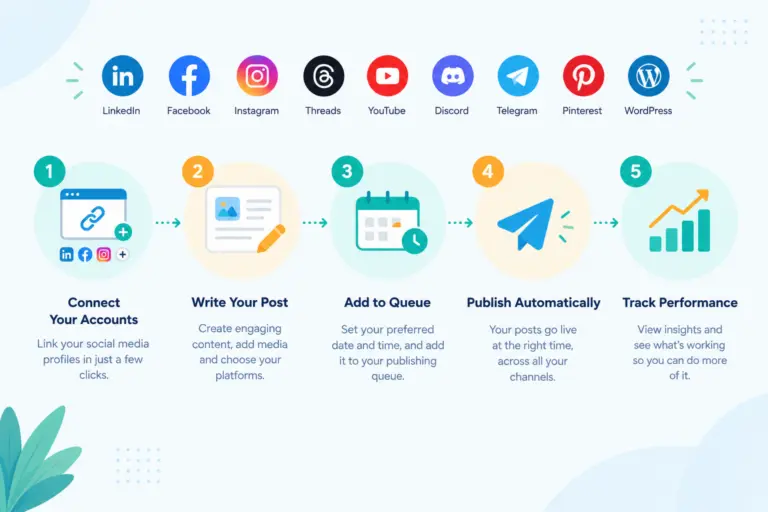
Pick your 2–3 priority platforms, connect them, and build one week of content in advance. Post consistently for 30 days before judging results. For a walkthrough of the setup process, see how it works.
A free social media scheduler is the right starting point for anyone testing consistency before investing in a paid stack — just make sure the free tier actually covers the platforms you post on.
Free social media scheduler plans compared
Free plan limits for popular social media schedulers, checked against each vendor's official pricing page on October 6, 2026.
| Scheduler | Free plan | Channels | Post limit | Users | Notes |
|---|---|---|---|---|---|
| TheAutoReach | Yes (no expiry, no card) | 25 channels (5 workspaces × 5 accounts) | 4 published posts per channel per week (~17/month per channel; 100/week in total) | 3 per workspace | LinkedIn, Facebook, Instagram, Threads, YouTube, Discord, Telegram, Pinterest, WordPress; no X yet |
| Buffer | Yes | 3 channels | 10 scheduled posts per channel at a time (refills as posts publish) | 1 | Supports X, TikTok, Bluesky, Mastodon and more |
| Publer | Yes | 3 social accounts (X not allowed on Free) | 10 scheduled posts per account at a time; 25 drafts | 1 | 1 workspace; 24-hour post history |
| Zoho Social | Yes | 6 fixed channels in 1 brand (Facebook Page, Instagram business, LinkedIn profile, LinkedIn page, X, Google Business Profile) | No monthly cap stated | 1 | Channel types are fixed; no Discord, Telegram, Pinterest, YouTube or WordPress on Free |
| Metricool | Yes | 1 brand (1 profile per network) | 20 published posts per month | 1 | No LinkedIn or X on Free; strong free analytics |
| Hootsuite | No (14-day trial) | — | — | — | Paid plans start at $99 per user/month |
| Later | No (14-day trial) | — | — | — | Starter plan allows 30 posts per profile per month |
Vendor plans change often — follow each scheduler's link for its current terms.