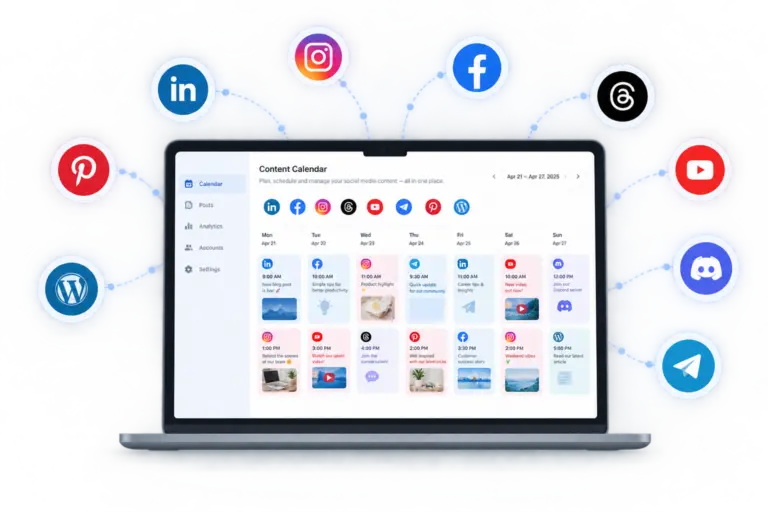
If you’re tired of manually posting every day, learning to schedule social media posts free is the fastest fix — no budget required, just the right setup.
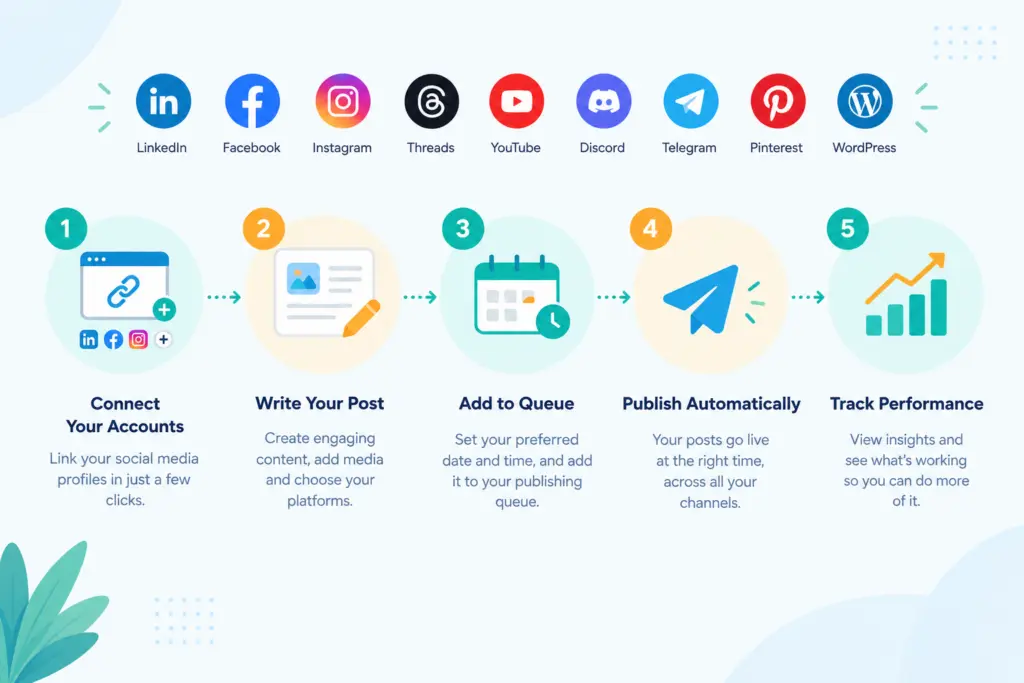
Step 1: Connect your accounts
Start with the platforms where your audience actually is. TheAutoReach supports LinkedIn, Facebook, Instagram, Threads, Pinterest, YouTube, Telegram, Discord, TikTok, and WordPress. A free plan usually caps you at 3 accounts, so pick your highest-priority channels first.
Step 2: Draft your content
Draft posts for multiple platforms without rewriting the same thing four times — see how drafting posts across platforms works. If you post long captions to Instagram, this formatting tool helps keep line breaks clean before you schedule.
Step 3: Build a queue instead of one-off posts
Placing content into recurring time slots is faster than manually picking a date every time. See how a content queue and recurring time slots can automate this.
Step 4: Let it publish automatically
Once scheduled, posts go out on their own — see how automatic publishing is handled across platforms, including image and video posts.
Step 5: Review what worked
Even on a free plan, checking basic performance matters. Post performance insights show which posts are landing so you’re not guessing at your next week’s content.
Common mistakes people make
Scheduling too far out without reviewing drafts, ignoring platform-specific formatting, skipping a quick character count check before publishing, and forgetting to space out posts so accounts don’t look automated. Browse the full directory of free tools for more quick fixes before you post.
Scheduling social media posts for free is less about the tool and more about the process — connect, draft, queue, publish, review, repeat.
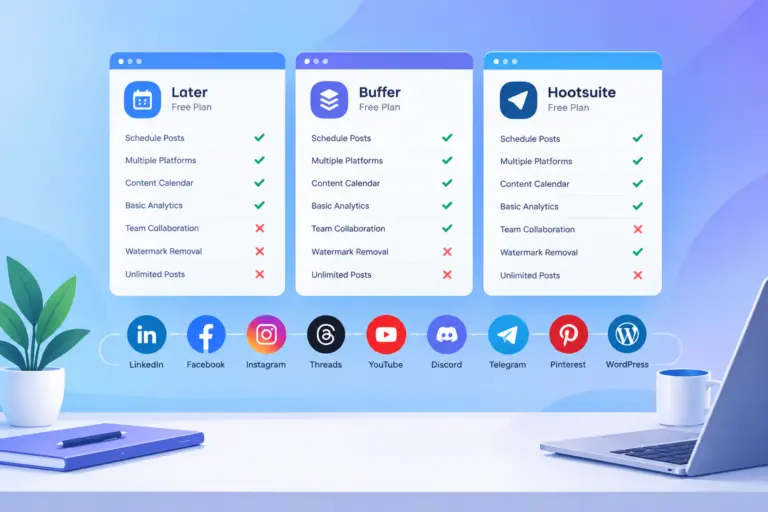
Free social media scheduler plans compared
Free plan limits for popular social media schedulers, checked against each vendor's official pricing page on October 6, 2026.
| Scheduler | Free plan | Channels | Post limit | Users | Notes |
|---|---|---|---|---|---|
| TheAutoReach | Yes (no expiry, no card) | 25 channels (5 workspaces × 5 accounts) | 4 published posts per channel per week (~17/month per channel; 100/week in total) | 3 per workspace | LinkedIn, Facebook, Instagram, Threads, YouTube, Discord, Telegram, Pinterest, WordPress; no X yet |
| Buffer | Yes | 3 channels | 10 scheduled posts per channel at a time (refills as posts publish) | 1 | Supports X, TikTok, Bluesky, Mastodon and more |
| Publer | Yes | 3 social accounts (X not allowed on Free) | 10 scheduled posts per account at a time; 25 drafts | 1 | 1 workspace; 24-hour post history |
| Zoho Social | Yes | 6 fixed channels in 1 brand (Facebook Page, Instagram business, LinkedIn profile, LinkedIn page, X, Google Business Profile) | No monthly cap stated | 1 | Channel types are fixed; no Discord, Telegram, Pinterest, YouTube or WordPress on Free |
| Metricool | Yes | 1 brand (1 profile per network) | 20 published posts per month | 1 | No LinkedIn or X on Free; strong free analytics |
| Hootsuite | No (14-day trial) | — | — | — | Paid plans start at $99 per user/month |
| Later | No (14-day trial) | — | — | — | Starter plan allows 30 posts per profile per month |
Vendor plans change often — follow each scheduler's link for its current terms.