TheAutoReach

New: YouTube Shorts, Discord, Telegram, Pinterest & WordPress — schedule more channels Get started free →

Features · Workspaces

Separate brands and teams without mixing queues

Use workspaces to keep client accounts, brands, or departments organized — with clear membership and their own publishing flow.

feature_workspace

Workspaces

Part of a focused publishing workflow — not a bloated suite.

Nine channels

LinkedIn, Facebook, Instagram, Threads, YouTube, Discord, Telegram, Pinterest, and WordPress.

Time back

Less repetitive posting work each week.

Clear status

Know what queued and what already published.

feature_workspace

Multi-brand clarity

Don’t mix Client A with Client B

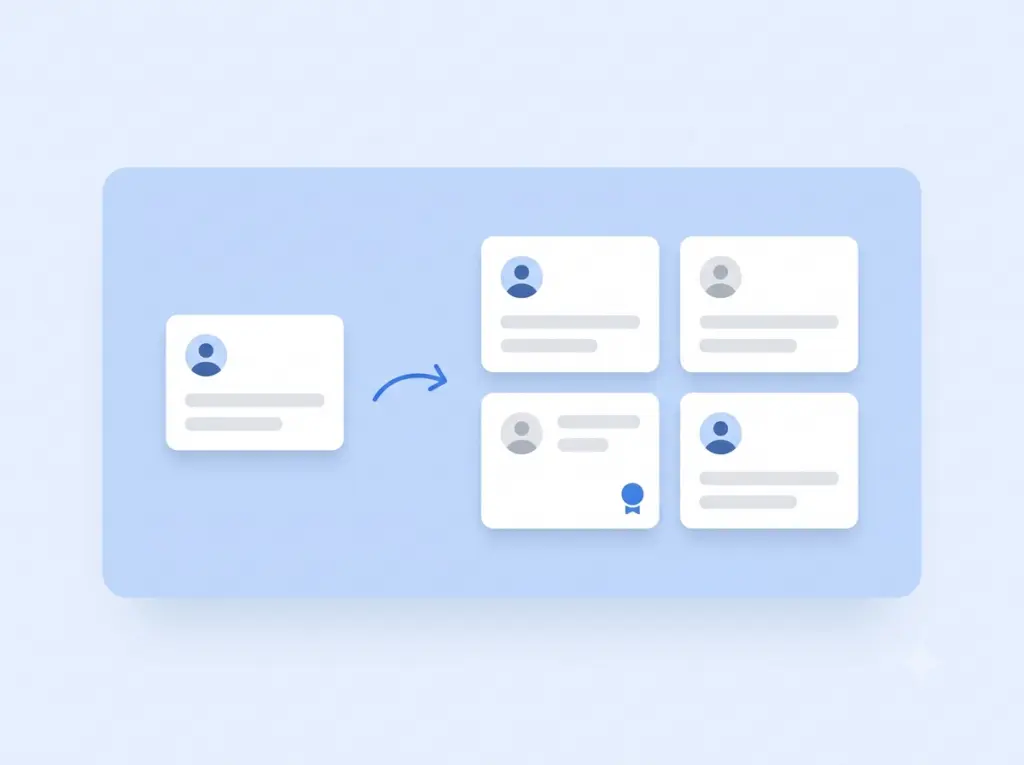
Each workspace keeps channels and queues scoped so posts don’t land in the wrong place.

Membership control

Invite only the people who need access

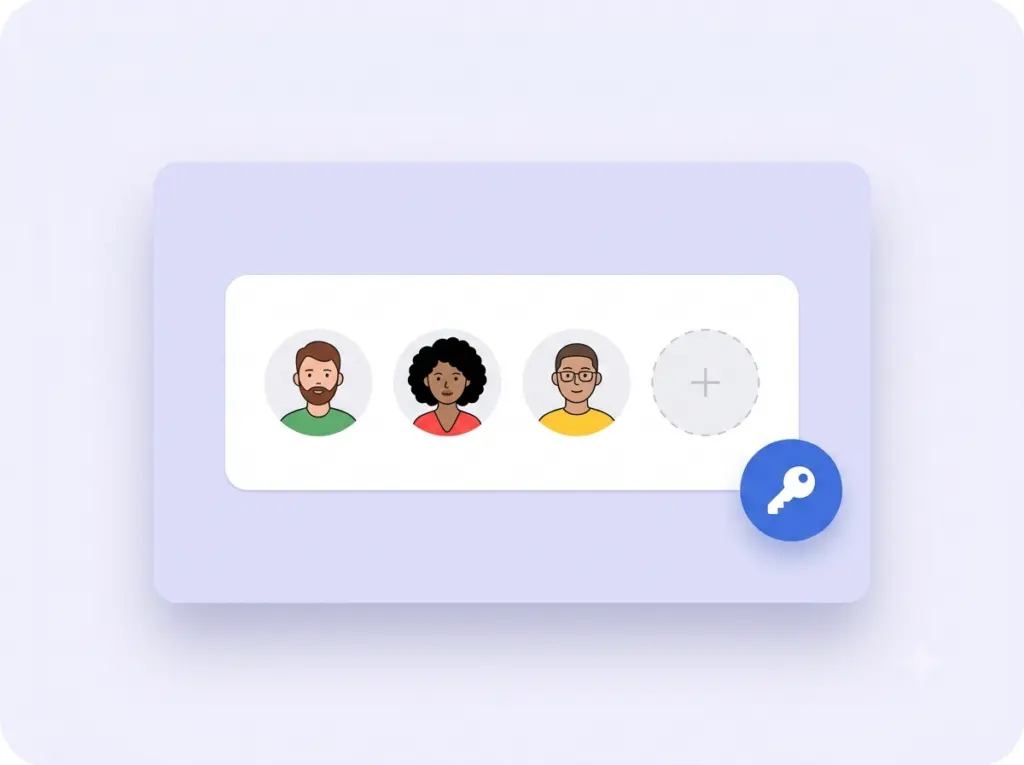
Add teammates per workspace instead of sharing one catch-all login.

feature_workspace
feature_workspace

Built for growth

Start with one space, add more later

Solo users can begin simply. Agencies and orgs can expand as clients grow.

How it works

1

Connect

Link the channels you publish to.

2

Set up Workspaces

Use this feature inside your workspace.

3

Publish

Keep your channels moving on schedule.

“Clear queue status means fewer missed posts.”

Social manager · Agency

Keep exploring

Publish

Schedule and auto-post.

Compose

Write once for every channel.

Integrations

See supported channels.

Why Workspaces

Keep every brand cleanly separated

Managing more than one brand, client, or project shouldn't mean mixing them all into one messy account. Workspaces give each one its own dedicated space — separate channels, separate schedules, separate content — so you never post the right message to the wrong audience.

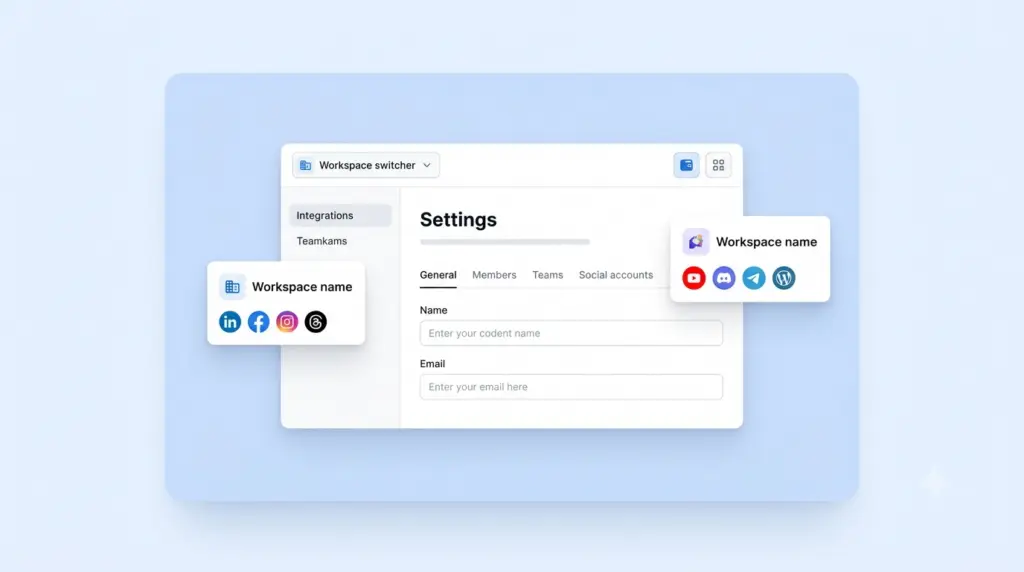
Switch between workspaces instantly from a single login. Each keeps its own connected networks, drafts, queue, and team members, so context comes with you the moment you jump in. Agencies can run a dozen clients side by side; growing teams can split brands or regions without duplicating tools.

It's the structure that lets you scale from one account to many without the confusion — organized, secure, and always crystal clear about which brand you're working in.

Organized to scale

One login, many brands

Separate spaces, zero overlap

Each workspace keeps its own channels, content, and settings completely isolated, so there's no risk of a client's post landing on someone else's feed.

Switch in a click

Move between brands instantly without logging out or juggling multiple accounts. Everything you need for each is right where you left it.

Right people, right places

Invite teammates or clients into only the workspaces they should see, keeping access tidy as your roster grows.

FAQ

A dedicated space for a single brand, client, or project — with its own channels, content, schedule, and team members.
Yes. Run as many workspaces as you need and switch between them instantly from one login.
Completely. Each keeps its own connected accounts and content isolated, so there’s no risk of posting to the wrong audience.
Yes. The Free plan costs $0 with no credit card and no trial timer. It includes up to 25 social channels (5 workspaces × 5 accounts), 4 published posts per channel per week, and 3 team members per workspace, with auto-publishing to LinkedIn, Facebook, Instagram, Threads, YouTube, Discord, Telegram, Pinterest, and WordPress. Paid Starter and Business plans add more channels and posting volume — see the pricing page for current limits.
No. You can create a workspace, connect your channels, and start scheduling posts without entering any payment details. There’s no trial timer counting down in the background.
LinkedIn, Facebook, Instagram, Threads, YouTube, Discord, Telegram, Pinterest, and WordPress — all from a single workspace and one shared schedule, so you never have to log in and out of separate apps.
Absolutely. Connections use secure, revocable access, so you can disconnect any channel or close your workspace whenever you like. You’re always in control of your accounts and data.

Manage every brand from one login

Give each client or brand its own clean, completely separate space.

✓ Free to start     ✓ No credit card     ✓ Cancel anytime