TheAutoReach

New: YouTube Shorts, Discord, Telegram, Pinterest & WordPress — schedule more channels Get started free →

Category · Scheduling Tools

Social Media Scheduling Tools

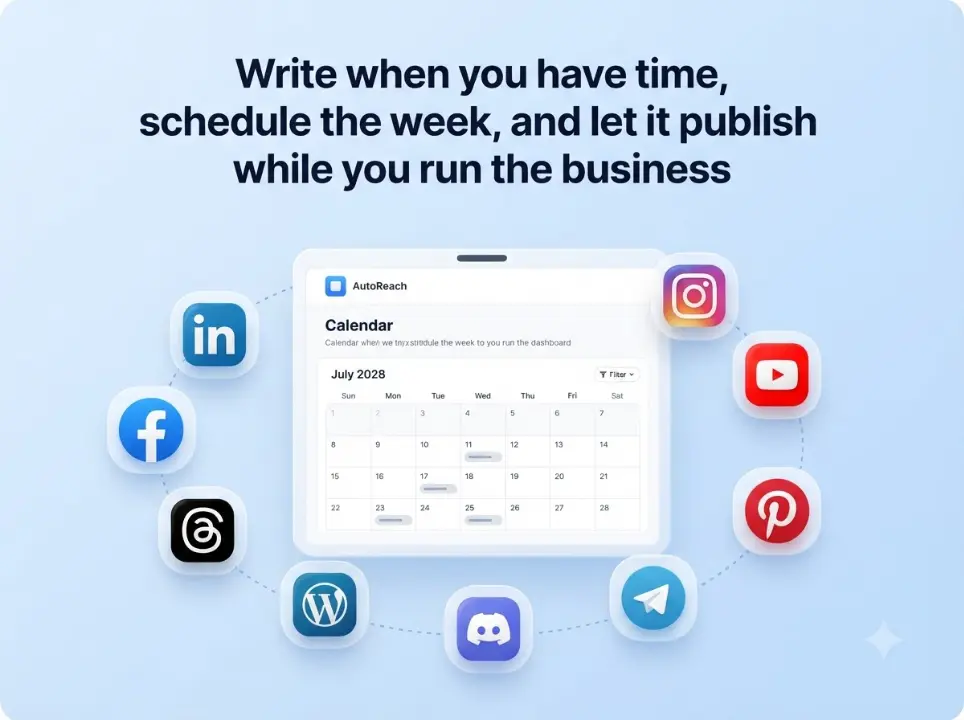
Plan, queue, and auto-publish across LinkedIn, Facebook, Instagram, Threads, YouTube, Discord, Telegram, Pinterest, and WordPress — scheduling tools built for real weekly workflows.

Plan the week

Queue posts once; stay visible all week.

Auto-publish

Times you set should stick.

Nine networks

LinkedIn, Facebook, Instagram, Threads, YouTube, Discord, Telegram, Pinterest, and WordPress.

Secure OAuth

Official APIs you can revoke.

Category guide

Choose tools that publish — not just plan

Social media scheduling tools should make the week shipable: compose, schedule, and auto-publish with status you can trust.

Workflow

One queue, nine networks

Stop bouncing between native apps. Compose once, schedule once, and publish to the channels your audience already uses.

compare-sprout-social

Outcomes

Less busywork, more consistency

The right scheduling tools free your team from daily copy-paste so attention goes to better posts — not more logins.

How it works

1

Create a workspace

Invite your team or start solo.

2

Connect channels

Authorize the platforms you use.

3

Schedule & publish

Stay consistent without daily posting.

“We finally treat posting like a real workflow.”

Marketing lead · Multi-channel team

Keep exploring

Features

See the full product toolkit.

Integrations

Explore supported channels.

Pricing

See how to get started.

FAQ

They help you plan, queue, and publish posts across networks on a schedule — instead of posting manually in each native app.
Our /tools/ hub covers captions, hashtags, bios, and UTMs. This page is about scheduling tools — the product layer that publishes on time.
LinkedIn, Facebook, Instagram, Threads, YouTube, Discord, Telegram, Pinterest, and WordPress from one workspace and shared queue.
Yes. Core scheduling and auto-publish are free to start — see our free social media scheduler page.
Yes — invite teammates to a workspace, keep a shared queue, and publish with clear status.
Start with our best social media schedulers guide, then try TheAutoReach free.

What social media scheduling tools actually do

Social media scheduling tools turn “I should post today” into a planned queue: compose content, pick times, and publish across channels without living in nine native apps. The best tools make the week visible — what is next, what failed, and what already went live.

What to look for in scheduling tools

  • Multi-channel compose — tailor LinkedIn vs Instagram without rebuilding from scratch.
  • Reliable auto-publish — times you set should stick.
  • Queue visibility — a clear list beats calendar chaos for many teams.
  • Secure connections — official OAuth you can revoke.
  • Honest free or pricing — essentials should not hide behind a seven-day cliff.

TheAutoReach as a focused scheduling tool

TheAutoReach is built as a scheduling tool first — not an all-in-one social suite. Compose, schedule, and auto-publish to LinkedIn, Facebook, Instagram, Threads, YouTube, Discord, Telegram, Pinterest, and WordPress. Pair it with our free social media tools when you need captions, hashtags, bios, or UTM links, then schedule the finished post here.

Want the free product angle? Visit the free social media scheduler. Prefer software framing for teams? See social media scheduling software.

A simple weekly workflow

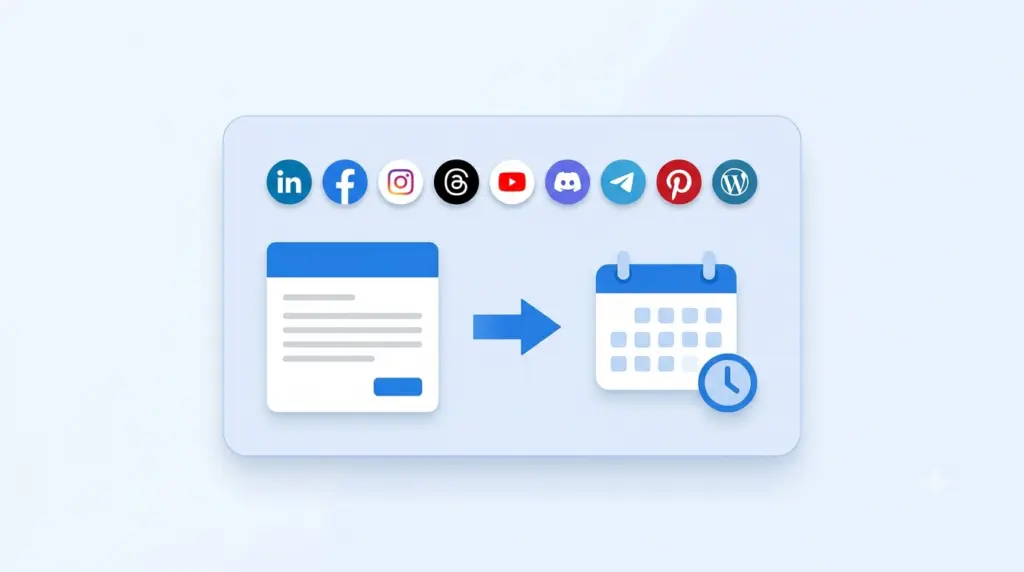
  1. Draft or paste content in Compose.
  2. Slot posts into Queue / Publish.
  3. Connect channels under Integrations and let auto-publish run.

Who scheduling tools are for

Related links

Show up consistently, without the overwhelm

Schedule a week of posts in minutes and get back to running your business.

✓ Free to start     ✓ No credit card     ✓ Cancel anytime