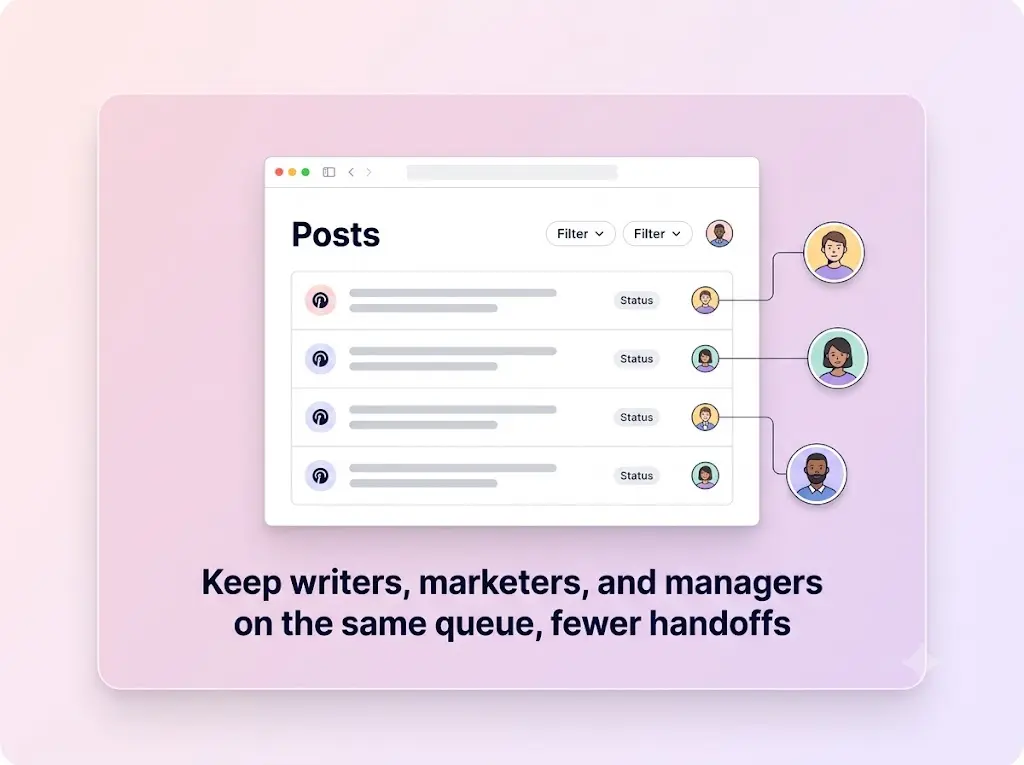
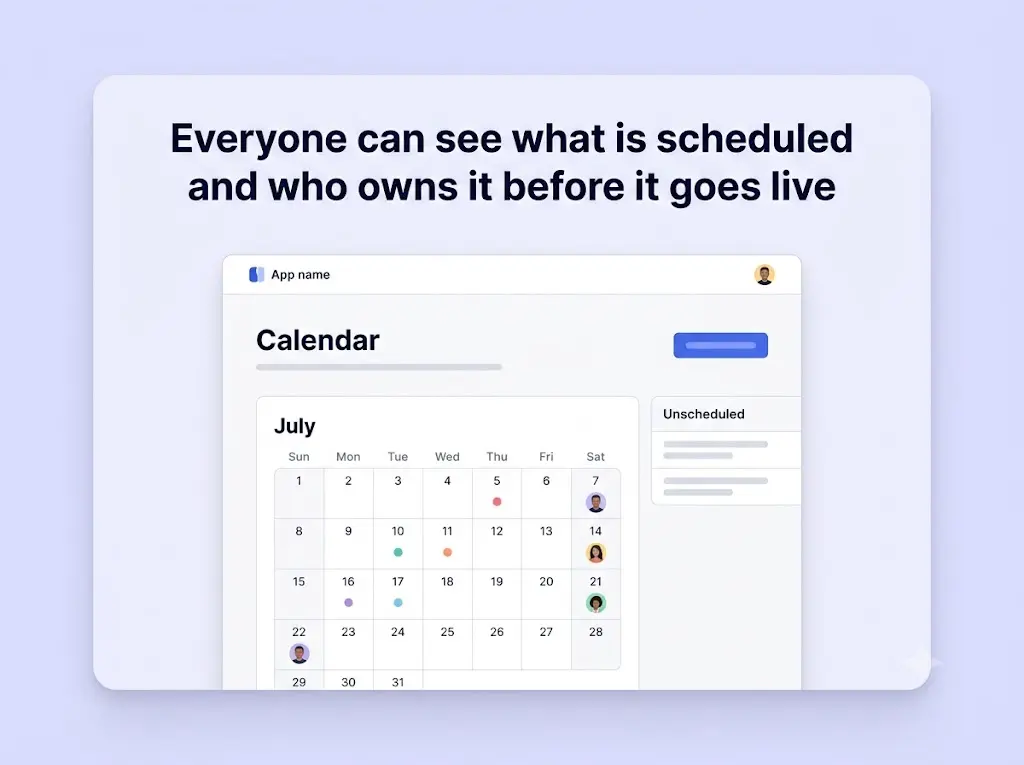
When more than one person touches your social media, email threads and screenshots stop scaling. Collaborate brings the whole process into one shared workspace — drafting, feedback, approvals, and scheduling all happen in the same place, so nothing gets lost between inboxes.
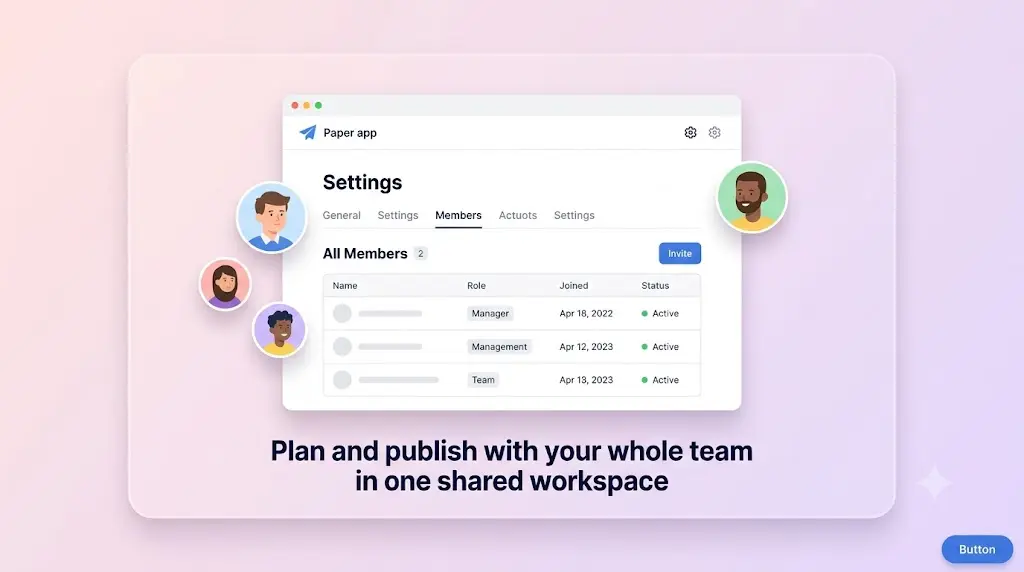
Give each person exactly the access they need. Writers draft, reviewers comment, and managers approve, with clear roles that keep everyone in their lane. Posts move through review in an orderly flow, so what goes live is always something the team has actually signed off on.
The payoff is speed with confidence: fewer misfires, faster turnarounds, and a single source of truth everyone can trust — whether your team is two people or twenty.
Built for teams
Everyone on the same page
Roles and permissions
Assign the right level of access to each teammate — from full admins to draft-only contributors — so sensitive channels stay protected while work keeps moving.
Approvals before anything ships
Route posts through a simple review step so a second set of eyes signs off before publishing. Catch typos and off-brand copy before your audience does.
Feedback in context
Leave comments right on the draft instead of scattered across chat and email. Everyone sees the latest version and the notes attached to it.
Yes. The Free plan costs $0 with no credit card and no trial timer. It includes up to 25 social channels (5 workspaces × 5 accounts), 4 published posts per channel per week, and 3 team members per workspace, with auto-publishing to LinkedIn, Facebook, Instagram, Threads, YouTube, Discord, Telegram, Pinterest, and WordPress. Paid Starter and Business plans add more channels and posting volume — see the pricing page for current limits.
No. You can create a workspace, connect your channels, and start scheduling posts without entering any payment details. There’s no trial timer counting down in the background.
LinkedIn, Facebook, Instagram, Threads, YouTube, Discord, Telegram, Pinterest, and WordPress — all from a single workspace and one shared schedule, so you never have to log in and out of separate apps.
Absolutely. Connections use secure, revocable access, so you can disconnect any channel or close your workspace whenever you like. You’re always in control of your accounts and data.
Bring your whole team into one workspace
Draft, review, and approve posts together — without the email chaos.